Open your inbox right now and look at it honestly. Somewhere in there is a client waiting on a quote, a supplier you meant to chase last Tuesday, three things you have already handled but cannot bring yourself to archive, and a message you have re-read four times without ever deciding what to do about it. Your inbox has quietly become your to-do list, your filing cabinet, your reminder system, and your nagging conscience all at once. And it is bad at every one of those jobs.
The problem is not that you get too much email, although you probably do. The problem is that an inbox shows you everything in the order it arrived and gives you no way to see the state of anything. What needs a reply? What is genuinely done? What is stuck waiting on somebody else? A kanban board answers all three at a glance, which is exactly why moving your email onto one is one of the fastest ways to stop feeling buried. Here is how to build an email kanban board that actually holds.
Why your inbox is a terrible to-do list
A to-do list works because it separates two very different questions: what is on my plate, and what state is each thing in. Your inbox smashes those together. A ten-second “thanks, got it” reply sits at the same visual weight as a proposal that will take an hour, and both are buried under a newsletter. Because everything looks equally urgent, nothing does, and the natural response is to keep the whole thing open all day and dip in constantly.
That constant dipping is where the real damage happens. Every time you flick back to the inbox mid-task, you pay a switching tax that is far larger than the few seconds it feels like. It is the same hidden drain that makes teams feel frantic while shipping very little, a pattern worth understanding on its own because the real cost of context-switching is almost always bigger than we think. A board breaks the habit by giving email a place to live that is not open in front of you every minute.
The core idea: your inbox is an intake lane, not a workspace
Here is the mental shift that makes everything else click. Your inbox is not where email gets done. It is only where email arrives. It is an intake lane, and the single job of an intake lane is to be emptied, not to be lived in. Every message that lands is just a request to be sorted, exactly the way a good intake lane captures incoming requests so nothing falls through the cracks.
Once you accept that the inbox is only a doorway, the guilt of an unread pile eases. You are no longer failing to “do” your email. You are simply behind on sorting it, which is a smaller and far more fixable problem. The board is where the actual work becomes visible.
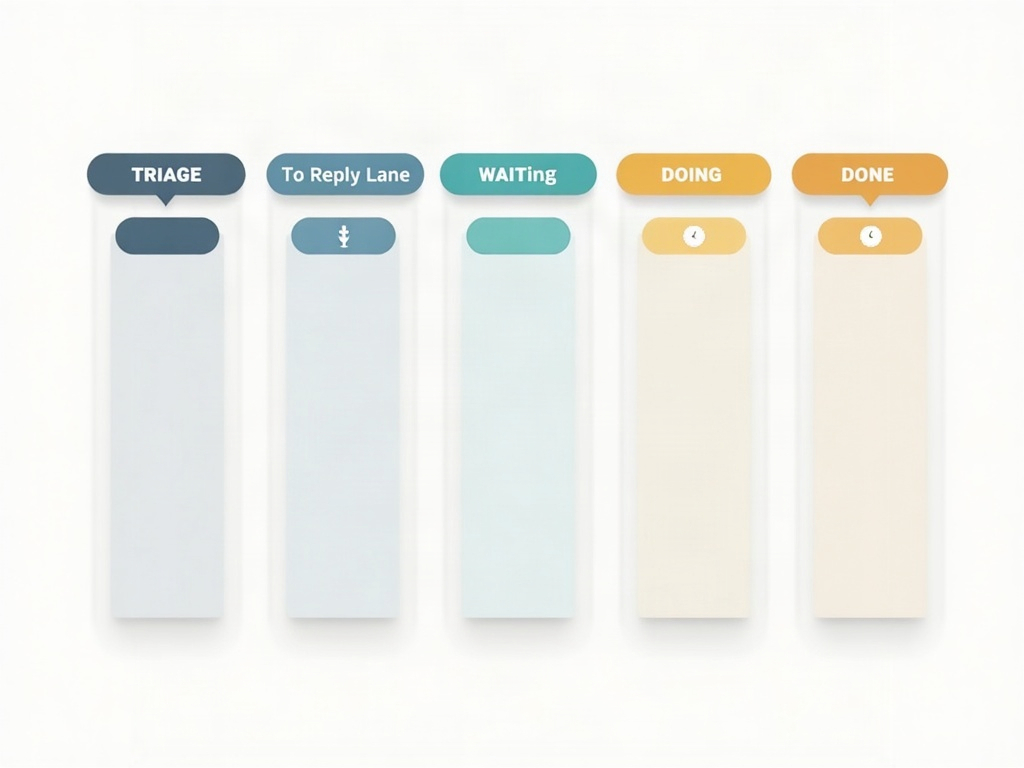
Build the board: five columns that mirror how email moves
You do not need anything fancy. Five columns cover almost every real inbox. Set up: Triage, To Reply, Waiting On, This Week, and Done.
Triage is your raw intake, the cards that mirror unsorted email. To Reply holds messages that need a real response from you, one card each. Waiting On is for anything where the ball is in someone else’s court and you are owed a reply. This Week is the small set of emails that trigger actual project work, not a quick reply but a task. And Done is done. That is the whole system. Resist the urge to add a column for every mood you have ever had about an email; if you are tempted, remember that a board needs far fewer columns than most people think.
The daily triage pass: empty the inbox in ten minutes
Now the routine that keeps it alive. Once or twice a day, sit down and empty the inbox into the board. For each message, make one decision and only one: where does this card go? A quick reply you can knock out in under two minutes, just do it now and archive. Anything longer becomes a card in To Reply or This Week. Waiting on somebody? Card into Waiting On. Pure noise? Archive or delete without ceremony.
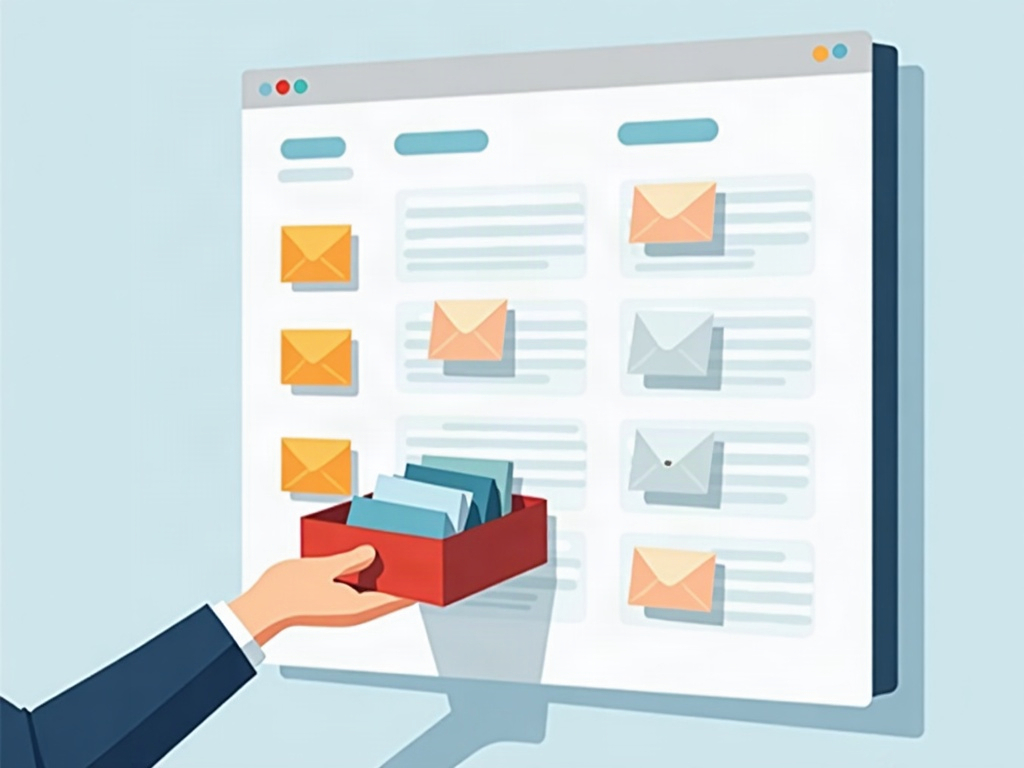
The rule that makes this work is that you touch each message once during the pass and you do not start doing the big jobs mid-triage. Triage is sorting, not working. When the inbox hits zero, close it. The point of the ten minutes is not to answer everything; it is to move every decision out of the anxious inbox and onto a calm board, so the rest of your day is spent working from the board instead of refreshing your email.
The waiting-on column is the secret weapon
If you build only one column from this whole article, build Waiting On. It is the single biggest reason things slip. You send a quote, the email leaves your outbox, and it evaporates from your attention entirely, right up until three weeks later when you wonder why the client went quiet. A dedicated waiting column keeps every open loop visible in one place.

Glance at that column once a day. Anything that has sat too long gets a friendly nudge. Suddenly you are the business that reliably follows up, which quietly wins you more work than almost any clever marketing. The board turns chasing from a thing you forget into a thing you can simply see. And because the column is visible, it also stops you from over-committing, the same discipline behind setting limits on how much work is in progress at once.
Batch the small replies instead of scattering them
Most inboxes are not full of hard emails. They are full of tiny ones: confirmations, quick yeses, one-line answers. Handled one at a time as they arrive, these little messages shred your focus all day long. Handled together, they take a fraction of the time and cost you nothing. So group your quick replies and fire them off in a single focused block once your triage pass is done, the same way you would batch your five-minute jobs so tiny tasks stop wrecking your day.
This is also why keeping the inbox closed between passes matters so much. When email only gets attention in two or three deliberate windows, the small stuff naturally clumps together and the big stuff gets the uninterrupted attention it actually needs. You stop reacting to email and start processing it.
Keep it honest and let it stay simple
An email board only works if it tells the truth, and the fastest way to break it is to run the board and the inbox as two competing systems. Pick the board as your source of truth for what needs doing, and let the inbox go back to being a plain arrivals hall you empty on a schedule. If a card is done, move it to Done and archive the email. If something is waiting, it lives in Waiting On, not in your head.
You do not need a perfect empty inbox to feel in control. You need to know, at a glance, what is yours to answer, what is out for reply, and what is quietly on fire. Five columns, one or two triage passes a day, and a waiting column you actually look at will get you there. Set it up this afternoon on whatever kanban board you already use, and by the end of the week your email will feel less like a place you live and more like a place you visit, briefly, on your terms.
Sources & further reading: