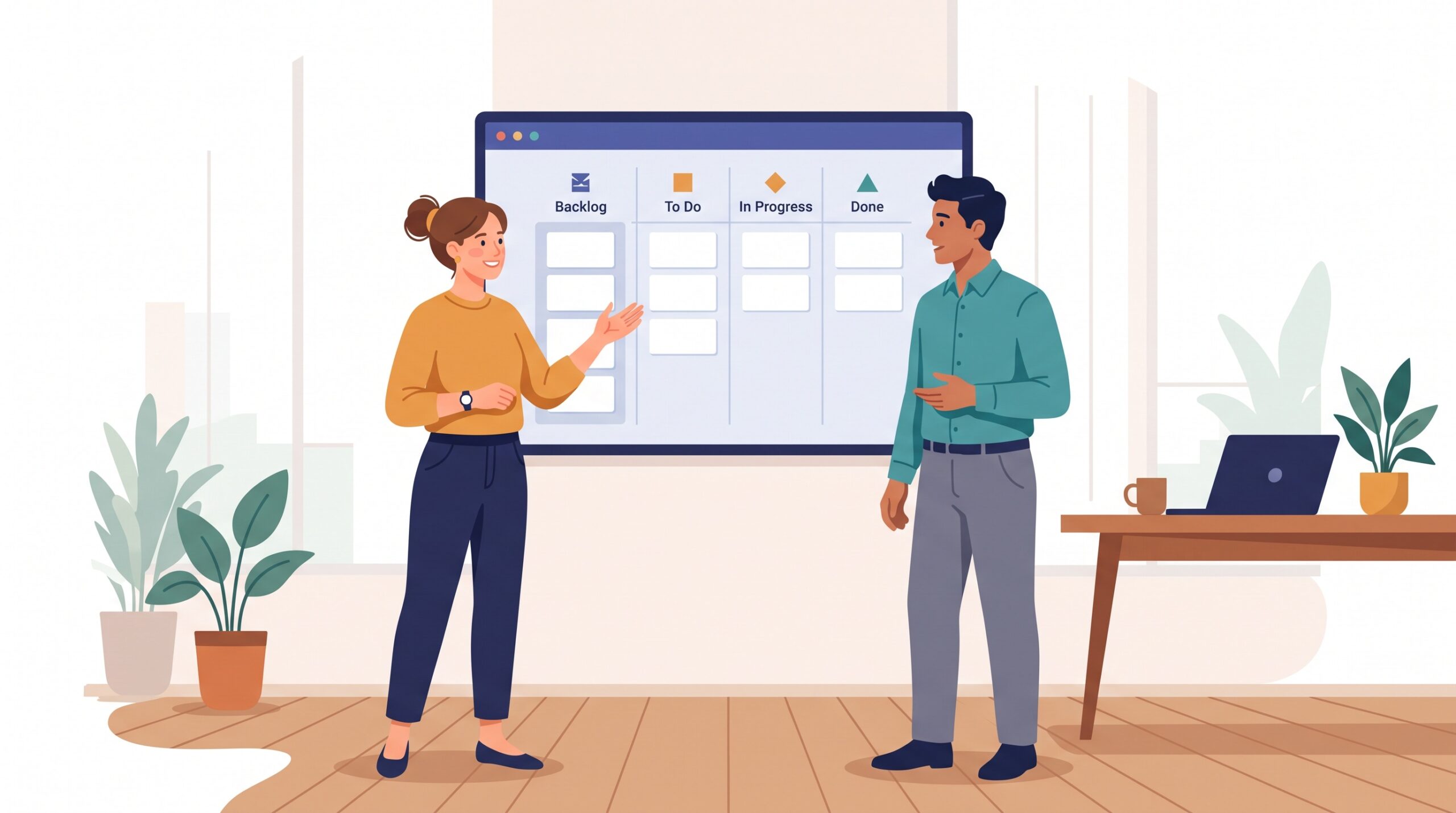
You know the email. It lands mid-afternoon, polite and harmless on the surface: “Hi — just checking in, how are things going?” And it costs you half an hour. You stop what you’re doing, reconstruct where the project actually stands, write a reassuring paragraph or two, and send it off. Multiply that by every client and every week, and you’ve built a second unpaid job: the job of telling people what you’re up to. Here’s the good news — most of that work disappears the moment your client can simply see the work themselves. A shared kanban board can be that window, and setting one up is a lot easier than it sounds.
Clients don’t want a meeting — they want confidence
It’s worth understanding what’s really behind “where are things at?” Almost nobody asks that because they enjoy meetings. They ask because silence makes them nervous. When a client can’t see progress, their imagination fills the gap, and the imagination usually assumes the worst: nothing’s happening, they’ve been forgotten, the deadline is quietly slipping.
The status email and the check-in call are just tools for buying back that confidence — expensive tools that only work for a moment before the question comes back next week. What clients actually want is a way to feel certain on their own schedule, without needing you to perform an update on demand. That’s exactly what a visible board gives them.
A shared board answers the question 24/7
Picture a simple read-only board your client can open any time from a link. Late on a Sunday night, they wonder how the project’s going. Instead of drafting an email that’ll sit in your inbox until Monday, they click the link, see three cards moved into “In Progress” and one sitting in “In Review,” nod to themselves, and close the tab. No email sent. No reply needed. Their confidence got topped up and you never lifted a finger.
This is the quiet superpower of a shared board: self-serve transparency. It’s always on, always current, and it never tires of answering the same question. You update it once as a natural part of doing the work, and it explains your progress to everyone, without another word from you.
Your client board is not your internal board
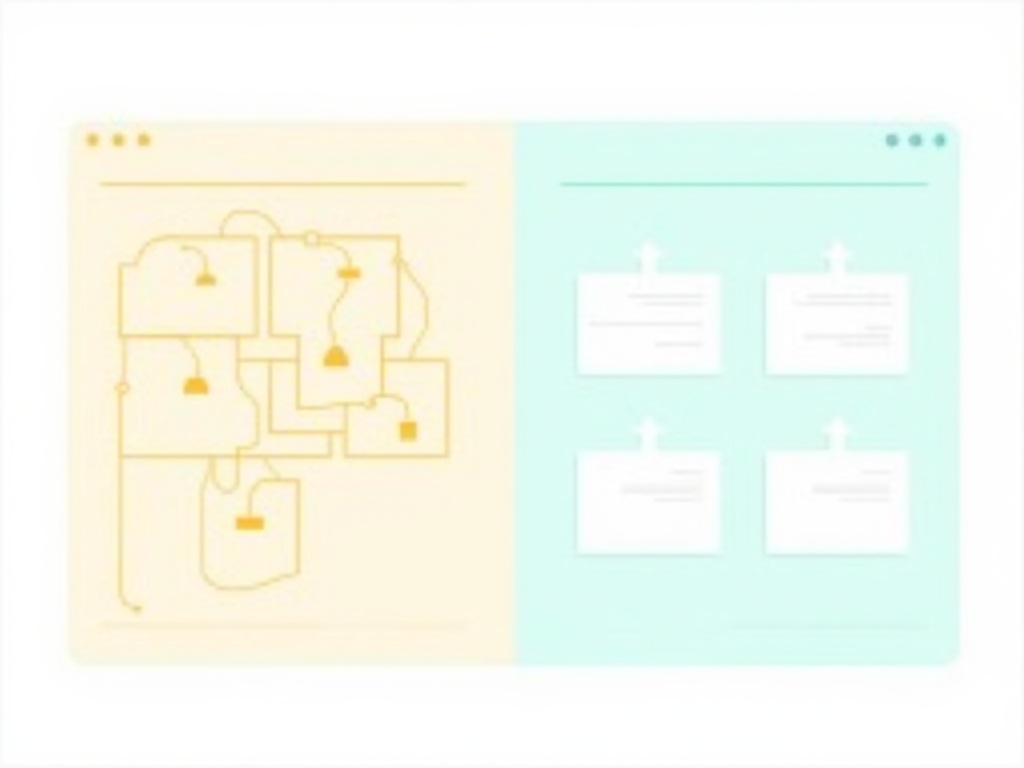
Here’s the mistake that scares people off the whole idea: they imagine handing a client the raw, messy board they use to actually run the work — the one with cryptic titles, half-formed ideas, blunt internal notes, and forty sub-tasks. That board would confuse a client at best and alarm them at worst.
The fix is simple: keep two boards, or two views of one board. Your internal board stays as chaotic and detailed as you need. The client-facing board is a deliberately simplified translation of it. Think of it like the difference between a restaurant kitchen and the dining room — the customer doesn’t need to see every pan on the stove, they just need to trust that dinner is coming. A tool like KanbanBlocks makes this easy with a shared or read-only board view you can hand out without exposing your working space.
A few translation rules keep the client board clean:
- Fewer columns. Four is plenty: Requested, In Progress, In Review, Done. Your internal board might have eight stages; the client only needs the big picture.
- Plain-language titles. “Refactor auth middleware” becomes “Set up secure client login.” Write titles the way your client would describe the outcome, not the way you’d log the task.
- Hide the plumbing. Internal sub-tasks, bug tickets, and back-and-forth notes stay on your side. One clear client card can sit on top of a dozen messy internal ones.
Decide what to expose and what to keep private
Transparency doesn’t mean showing everything — it means showing the right things clearly. Before you share anything, spend five minutes sorting your work into two buckets.
Good to expose: the shape of the work and its status. Which deliverables are in flight, what’s in review, what’s finished, and roughly what’s coming next. This is the confidence-building layer, and it’s almost always safe to share.
Better kept private: internal effort estimates, hourly working notes, unflattering half-thoughts (“this is going to be a nightmare”), other clients’ information, and anything about how you work that a client could misread. A client seeing “waiting on subcontractor” might panic; a client seeing “In Progress” simply trusts you’re handling it. You’re not hiding wrongdoing — you’re curating signal over noise, the way a good report leaves out the rough draft.
Use columns to set expectations without saying a word
A well-designed client board does more than report status — it manages the relationship gently, before problems become emails. Two features do most of the heavy lifting.
WIP limits signal focus, not slowness. A common worry is that a client will see only two cards in “In Progress” and assume you’re barely working. Frame it the other way: a small number of active cards shows you’re focused on finishing things rather than juggling everything half-done. A board that visibly limits work-in-progress reads as disciplined, not idle — most clients find that reassuring once you name it.
A “Waiting on You” column ends the blame game. This is the single most useful column you can add. When a task is stuck because you need the client’s feedback, their logo files, or a decision, move the card into a clearly visible “Waiting on You” (or “Blocked — Needs Your Input”) column. Now the ball is visibly in their court, and they can see it. No awkward chasing email required — the board says it for you, politely and without finger-pointing. Projects stall far less often when the hold-up is impossible to miss.

The trust dividend and the quieter inbox
When clients can see your work, something shifts. The nervous energy behind “just checking in” drains away, because there’s nothing left to check — they already know. That’s the trust dividend, and it compounds: clients who trust you interrupt you less, second-guess you less, and renew more.
The practical payoff is a quieter inbox — fewer status emails, fewer “quick calls” that eat an afternoon, fewer moments of stopping the real work to explain the real work. Ironically, by being more transparent, you buy yourself more uninterrupted time to actually deliver.

Set one up today: a five-step start
You don’t need a big rollout or a new process. You can have a client-facing board live before lunch. Here’s the calm sequence:
- Create four columns: Requested, In Progress, In Review, Done. Resist adding more for now.
- Add one card per real deliverable, written in your client’s language — outcomes, not internal task names.
- Add a “Waiting on You” column for anything that needs the client’s input, so blockers are visible instead of buried.
- Set the board to read-only and share the link. A shared or public view — the kind KanbanBlocks offers — lets clients watch without touching your cards.
- Send one short message: “Here’s a live board for our project — check it any time to see exactly where things stand.” Then let it do the talking.
Update it as a natural part of finishing work, not as a separate chore, and it stays honest on its own. The goal isn’t to perform transparency — it’s to make the answer to “where are things at?” so obvious that nobody needs to ask. Give your clients a window into the work, and you’ll be amazed how quickly the status meetings, the check-in calls, and the anxious little emails simply fade away.