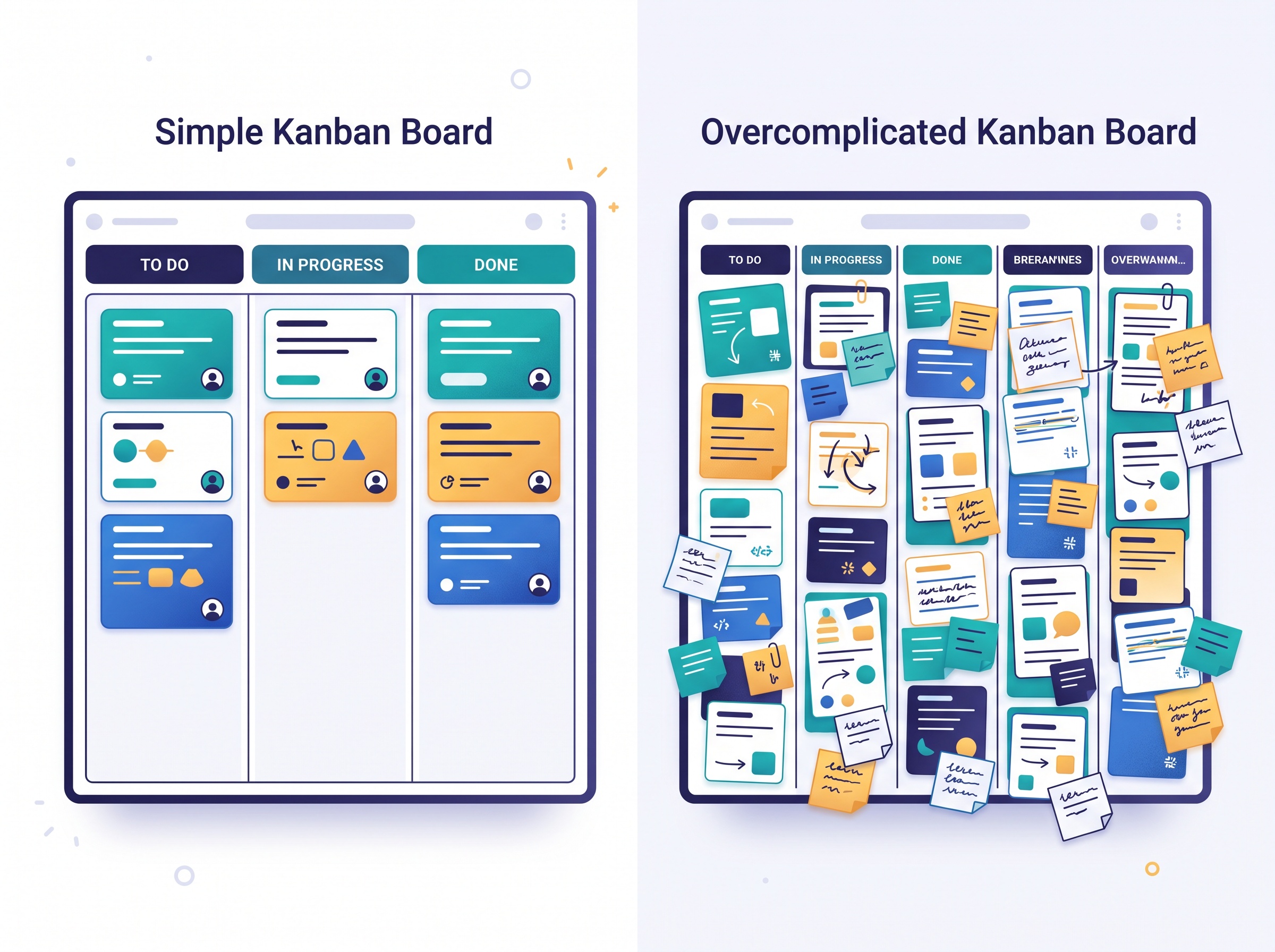
Ask ten people how to set up a kanban board and you will get ten different diagrams. One swears by a lean three columns. Another has built an elaborate pipeline with a stage for every conceivable step, color-coded and subdivided, that looks impressive and takes twenty minutes to explain. Both will tell you theirs is the right way. The truth is quieter: the correct number of columns is not a style choice, and it is not a bigger-is-better contest. It is simply a picture of how your work actually moves from idea to done.
Get that number right and the board becomes a glance-and-know tool that runs itself. Get it wrong and you end up with either a board too vague to be useful or one so detailed that keeping it updated becomes its own full-time job. Let us find the number that fits your work, not someone else’s.
Start with the only three columns you truly need
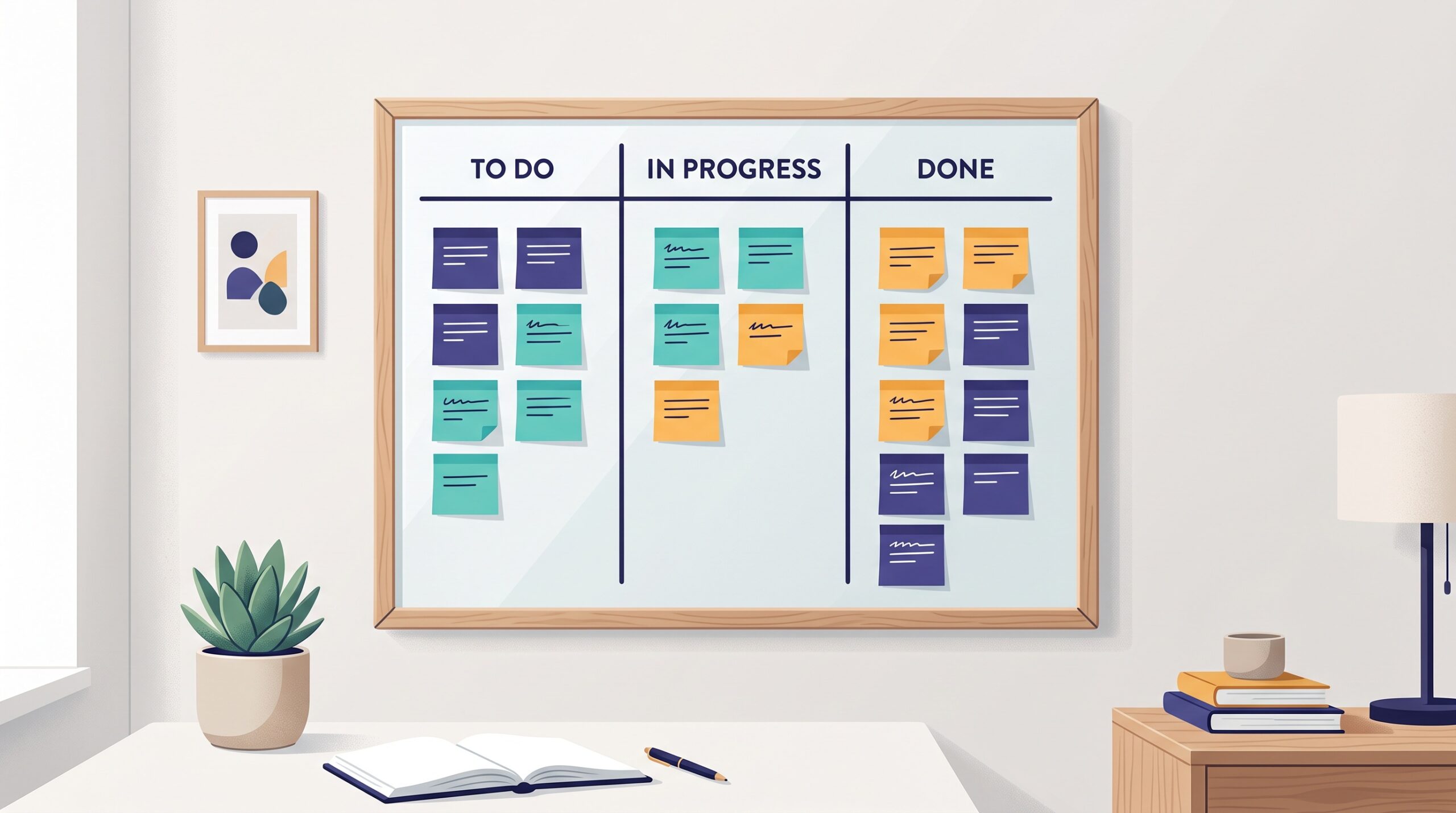
Every kanban board, from a solo freelancer’s to a global team’s, is built on the same foundation: To Do, Doing, Done. Work that has not started, work in progress, and work that is finished. If you have never run a board before, start here and resist every urge to add more. These three columns already deliver the two things kanban is for: they make all your work visible in one place, and they show you what is actually being worked on right now versus what is merely waiting.
Most small teams could run for months on nothing but these three and be better organized than they have ever been. The three-column board is not a beginner’s board you graduate from. For many businesses, it is the destination.
Add a column only when it represents a real change
So when should you add a fourth, fifth, or sixth column? Only when your work genuinely passes through a distinct stage that you need to see. The test is simple: a new column should mark a real handoff, a real change in who is doing the work, or a real waiting state where cards pile up. If a stage does not do one of those things, it does not deserve a column.
Consider a small design studio. Their work really does move through recognizable phases: a brief comes in, someone designs it, someone else reviews it, then it goes to the client, then it is approved. That is a genuine flow, and a board of To Do, In Design, In Review, With Client, Done reflects reality. Each column answers a question the team actually asks. Contrast that with adding a column called ‘Thinking About It’ or splitting ‘Doing’ into ‘Doing’ and ‘Really Doing.’ Those are not stages of work, they are noise, and every card that passes through them costs someone a decision and a drag of the mouse for no benefit.
Know the difference between active columns and waiting columns
Here is a distinction that clears up most board-design confusion. Some columns are places where work is happening. Others are places where work is waiting. Both can be legitimate, but they mean very different things, and mixing them up is where boards go wrong.
An active column, like ‘In Design,’ means someone is doing the work right now. A waiting column, sometimes called a queue or a buffer, like ‘Ready for Review’ or ‘Waiting on Client,’ means the work is done on one end and sitting idle until someone else picks it up. Waiting columns are enormously valuable precisely because they make delay visible. If cards constantly pile up in ‘Waiting on Client,’ you have just discovered exactly where your projects stall, and you can do something about it. Add a waiting column when work regularly sits idle between two people; skip it when handoffs are instant.
The over-engineering trap
The most common mistake is not too few columns, it is too many. A board with a dozen finely-sliced stages feels thorough, but it quietly punishes you. Every column is a tax collected on every single card, forever: another status to update, another judgment call about which stage something is really in, another reason the board drifts out of date because nobody has time to keep it perfect. And a board nobody trusts to be current is worse than no board at all.
Watch for the warning signs. If cards fly through certain columns without ever really stopping there, those columns are decoration. If your team argues about whether something belongs in stage four or stage five, the distinction is too fine to matter. If updating the board feels like a chore rather than a two-second reflex, you have more columns than your work justifies. When you see these signs, merge columns back together without guilt.
Let the board grow and shrink with the work
Your column count is not a permanent decision carved in stone on day one. The best approach is to start lean, run the board for real, and let genuine pain points tell you what to add. If you keep losing track of things stuck waiting for approval, add a waiting column for it. If a stage you created turns out to be pointless, delete it. A board is a living reflection of your process, and your process changes, so the board should too, in small deliberate adjustments rather than one grand design up front.
The takeaways
You do not need the perfect board, you need the honest one. Start with To Do, Doing, Done. Add a column only when it marks a real handoff, a real change of hands, or a real place where work waits. Tell your active columns apart from your waiting columns, and treasure the waiting columns for showing you where things stall. Above all, stay suspicious of complexity: if a column does not earn its keep, cut it.

The goal was never a beautiful diagram. It was a board you can trust at a glance and update without thinking, so the system quietly holds your work together while you get on with running the business. A simple board you actually keep current beats an elaborate one you abandon every time. Whether you sketch it on a whiteboard or set it up as a kanban board online, let how your work really moves decide the columns, and no one else’s opinion.