Here’s a day that probably sounds familiar. You sit down to work on something that matters – a proposal, a client project, next quarter’s plan. Two minutes in, a message pings, so you answer it. Then you remember an invoice, so you send it. Then a quick approval, a one-line email, a calendar tweak. Each one takes about five minutes. None of them is hard. And somehow, by five o’clock, you’ve been busy all day and the thing that mattered has barely moved.
The tasks aren’t the problem. The switching is. And the fix is one of the simplest, highest-leverage habits a busy owner or manager can build: stop doing five-minute jobs the moment they appear, and start batching them.
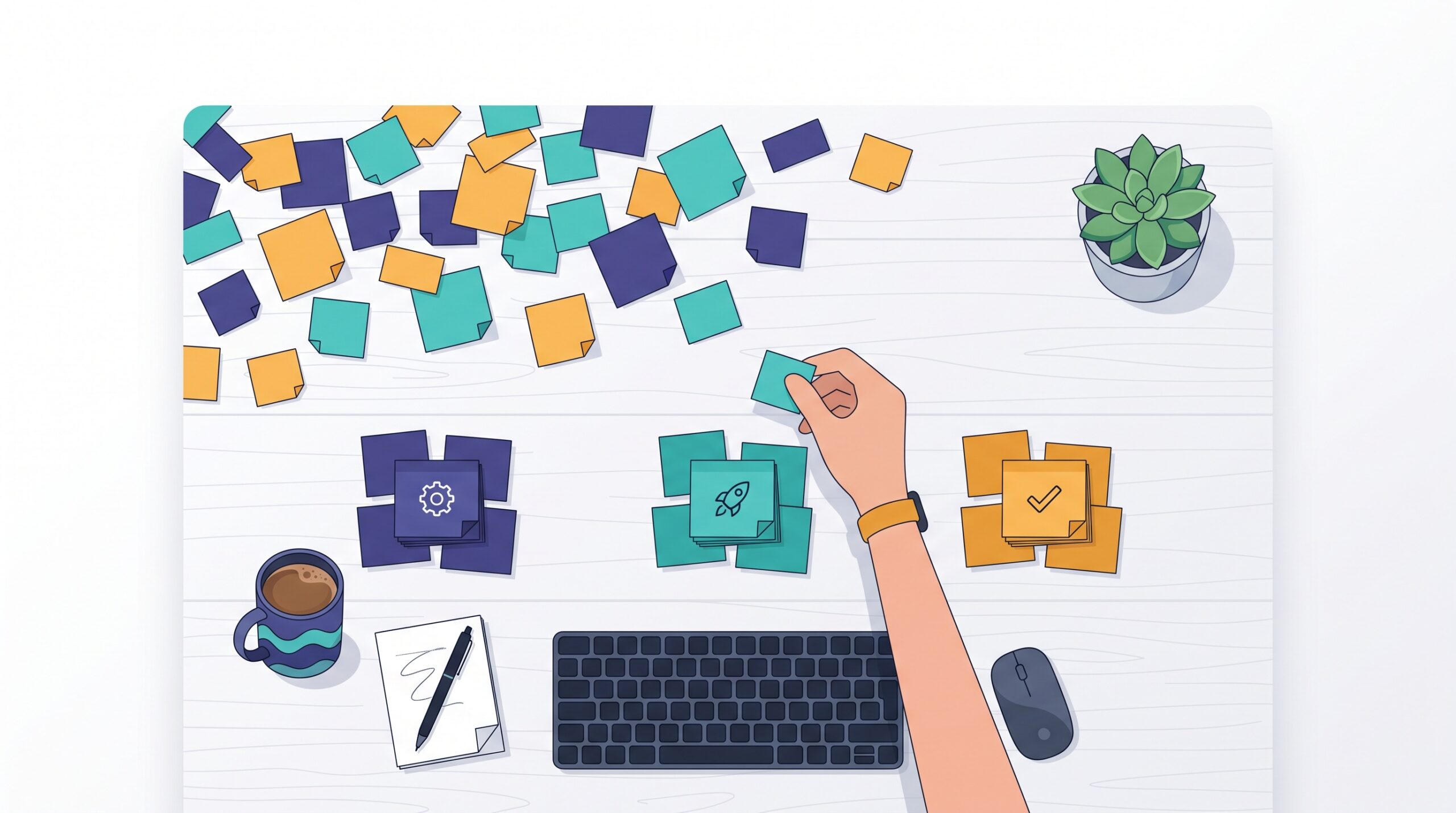
Why five-minute tasks cost way more than five minutes
A quick task feels free because you only count the time it takes to do it. But that’s not the real bill. Every time you jump from focused work to a small task and back, part of your attention stays stuck on what you just left – and part of it takes time to fully arrive at what’s next. You’re rarely all the way into anything.
Do that thirty times a day and the five-minute jobs haven’t cost you 30 five-minute chunks. They’ve cost you every stretch of deep work in between, chopped into pieces too small to be useful. This is exactly the hidden tax we’ve written about in the real cost of context-switching: teams and owners who feel slammed all day but can’t point to much that actually shipped.
Batching, in one sentence
Batching means grouping similar small tasks and doing them together, in a dedicated window, instead of one at a time as they land. All your quick emails in one sitting. All your approvals in one pass. All your admin and errands in a single block. Same tasks, same total minutes – but you pay the “switch in, switch out” cost once instead of thirty times.
The magic isn’t speed on any single task. It’s that the rest of your day stays whole.

How to actually batch (without a complicated system)
You don’t need an app or a productivity philosophy. You need three moves.
- Give small tasks a home instead of your attention. When a five-minute job appears mid-focus, resist the reflex to do it now. Write it down somewhere trusted and get back to work. The urge to “just knock it out” is what shreds the day – a place to park it kills that urge.
- Group by type, not by order of arrival. Emails with emails, calls with calls, financial admin with financial admin. Similar tasks use the same part of your brain and the same tools, so doing them back-to-back is smooth. Bouncing between an email, a spreadsheet, and a phone call is where friction lives.
- Do the batch on a schedule, not on impulse. Two or three set windows a day – say late morning and late afternoon – is plenty for most people. Between those windows, the small stuff simply waits.
Put the batch on your board
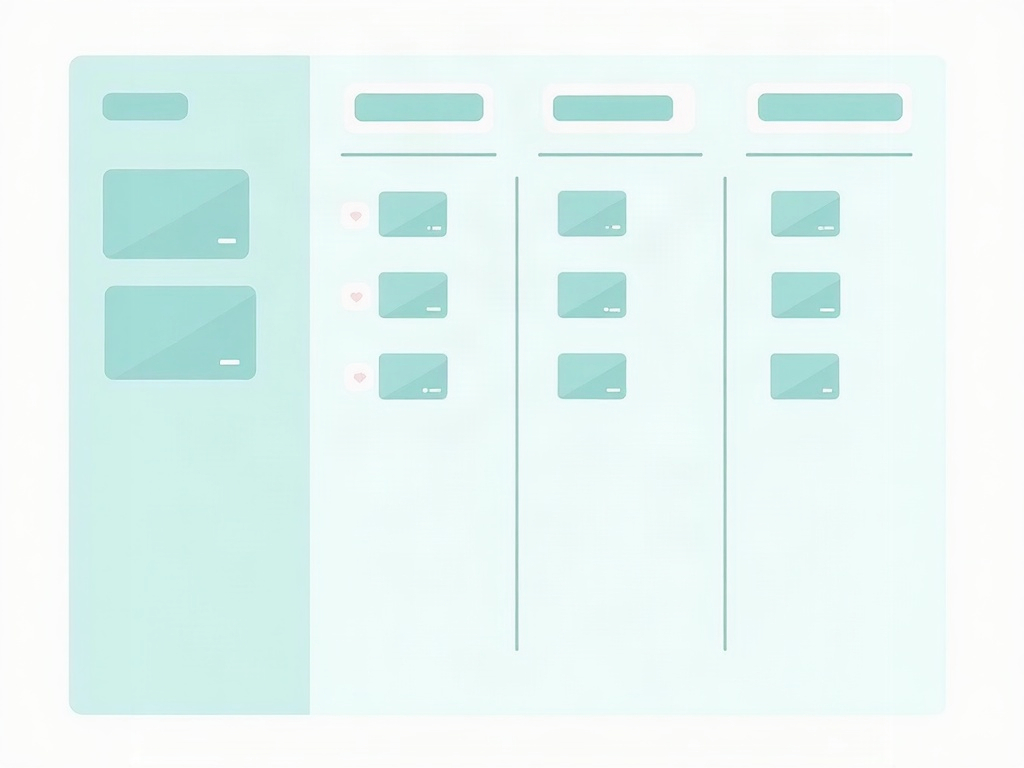
This is where a kanban board turns batching from a nice idea into something that sticks. Instead of letting quick tasks live in your head, your inbox, and three chat apps, give them a single lane on the board – call it “Small Tasks” or “Admin.” Every five-minute job goes straight there as a card the moment it appears, and then you forget about it until batch time.
When your batch window comes, you pull up that one lane and clear it in a single focused pass. You can see the whole pile at once, which is oddly satisfying and also useful: if that lane is overflowing, that’s real information about how many interruptions are actually hitting you. It’s the same principle behind treating different kinds of work differently, which we covered in how to handle urgent, standard, and fixed-date work – not everything deserves to jump the line.
“But some of it really is urgent”
Some of it is. Batching isn’t a rule that everything waits six hours – it’s a default that stops everything from feeling urgent. A genuinely time-sensitive request still gets handled now. The point is that “now” should be the exception you choose, not the reflex you fall into for every ping.
A simple test: if a task can wait until your next batch window without causing a real problem, it can wait. You’ll find that’s true for the overwhelming majority of the five-minute jobs that currently derail you. Most quick tasks feel urgent only because they’re in front of you, not because they actually are.
It helps to keep those small cards genuinely small and clear, too – a card you can act on in one pass without re-figuring-out what it means. That’s the same discipline as designing cards your team can actually use: enough on the card to act, nothing that makes you stop and think twice.
What changes when you batch
The first thing you’ll notice is quiet. The constant low-grade tug of “I should just quickly…” fades, because you know every small thing has a home and a time. The second thing is that your real work starts moving again – not because you found more hours, but because you stopped slicing the hours you had into confetti.
And the day stops lying to you. “Busy” and “productive” finally line up, because you’re no longer spending your best focus on your smallest tasks.
The takeaway
Your five-minute jobs aren’t going away, and they don’t need to. They just need a lane and a time instead of a piece of your attention every few minutes. Give them a home on your board, clear them in two or three focused passes a day, and protect everything in between. A simple kanban board is a low-effort way to make that home visible – so the small stuff waits its turn, and the work that matters finally gets yours.