Picture a normal morning. You write two sentences of a proposal, then answer an email, then take a quick call, then back to the proposal — wait, where were you? — then a Slack ping, then an invoice. By lunch you’ve touched a dozen things and finished almost none of them, and you’re strangely tired. You didn’t work less hard. You just spent the whole morning switching.
That switching is the problem, and batching is the fix. Batching means grouping similar tasks together and doing them in one focused run instead of scattering them through the day. It’s a simple idea, and your Kanban board is the perfect place to make it happen on purpose rather than by luck.
The hidden tax of switching
Every time you jump from one kind of task to a completely different kind, your brain has to unload the first job and load the second: different tools, different context, different mental gear. That reload isn’t instant. For a few minutes after each switch you’re slower, more error-prone, and only partly present — and if you switch constantly, you can spend more of your day reloading than actually working.
This is why a day full of little interruptions leaves you feeling busy but empty-handed. It’s the same trap that makes big jobs stall when they’re chopped into constant start-stops instead of protected runs — the flip side of why small, well-shaped cards move faster. The tasks were never the issue. The gaps between mismatched tasks were.
What batching actually looks like
Batching just means matching like with like and running them together. A few everyday examples:
- Communication. Instead of reacting to email and messages all day, handle them in two or three set blocks. Same tools, same headspace, done in one pass.
- Calls. Stack your phone calls back-to-back rather than sprinkling them between deep-focus work they keep interrupting.
- Admin. Invoices, expenses, scheduling, data entry — the low-energy chores go faster in a single dedicated run than one-at-a-time all week.
- Creative or deep work. Writing, designing, planning, building — the tasks that need real concentration deserve a protected block with nothing shallow wedged in between.
Notice the pattern: you’re grouping by the kind of attention a task needs, not by which project it belongs to. Five small admin chores from five different projects still batch beautifully, because they all use the same part of your brain.

Setting your board up to encourage batching
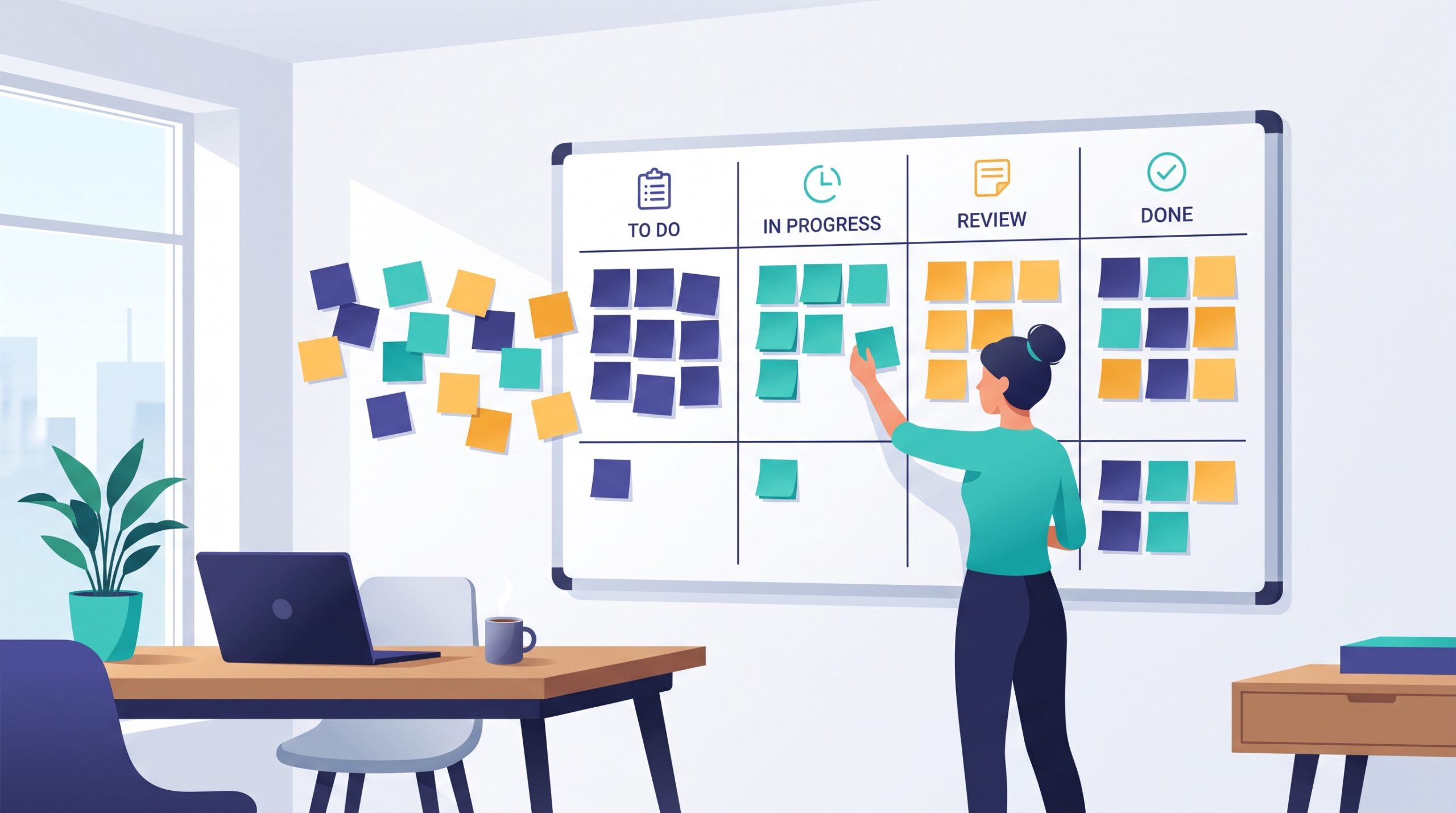
Here’s where a Kanban board earns its keep. A plain to-do list hides the pattern; a board can surface it, so batching becomes the obvious move instead of a discipline you have to remember. Three light-touch ways to do it:
- Tag by type. Give each card a simple label — call, admin, writing, errand. Now a glance at the board shows you all the calls at once, ready to knock out together.
- Add by-type swimlanes. Run a few horizontal lanes across your board grouped by kind of work rather than by project. The cluster in the “admin” lane is your next batch.
- Keep a batch column. A single “Quick wins” or “Batch me” column collects the small, same-flavored tasks that aren’t worth interrupting your day for individually — then you clear the whole column in one satisfying sweep.
The goal is to make the board answer a new question at a glance: not just what’s next, but what’s next that I can do five of right now.
Fit batches to your real day
Batching works best when it respects your energy, not just your task list. Put the deep-work batch when you’re sharpest — for most people that’s earlier — and park the low-energy admin batch in the afternoon slump where it belongs. Pairing your hardest batch with your best hours is close cousin to picking a single anchor task to build the day around: both protect your prime attention from being nibbled away by shallow work.
Keep batches a sane size, too. A batch you can finish in one sitting builds momentum; a three-hour marathon of the same chore just becomes a new kind of grind. If a batch is huge, cap it — do a timed block, then move on and come back to the rest later.
Where batching has limits
Batching is a default, not a religion. Some work is genuinely urgent and can’t wait for its batch — a client emergency doesn’t care that your calls block is at three o’clock, and that’s fine. The point isn’t to become rigid; it’s to stop defaulting to constant switching for work that could easily have waited twenty minutes to travel in a group.
There’s also a teamwork angle. If everyone batches their communication into set windows, replies can slow down — so agree as a team on a reasonable rhythm, and keep a fast lane for the genuinely time-sensitive. Batching should smooth your flow, not wall you off from people who need you.

The payoff
Batching is one of the rare productivity moves that costs nothing and asks for no extra hours. You’re doing the exact same tasks — just grouped so your brain can stay in one gear long enough to get fast at it. Set your board up to make the groupings visible, protect a couple of focused blocks, and let the small stuff travel in packs. Do that, and the busy-but-empty morning slowly turns into a day where the work actually moves — because you finally stopped paying the switching tax you never knew you owed.