Most of the advice about kanban boards is about work that arrives, gets done, and leaves — a new client, a bug, a project. But a huge share of what any business actually does is not like that at all. It is the work that comes back: run payroll, send the invoices, take the backups, file the sales tax, publish the Monday report, reconcile the accounts, renew the licence. It never finishes for good. It just goes quiet for a week or a month and then reappears, exactly the same, whether or not anyone remembered it. And because it feels automatic, recurring work is precisely the work that quietly falls off a board — until the payroll is late or the backup turns out not to have run in three weeks.
So how do you put repeating tasks on a kanban board without either cluttering the board with them or letting them silently slip? The trick is to stop treating routine work like project work and give it a shape of its own.
The two ways people get recurring tasks wrong
There are two tempting shortcuts, and both fail. The first is re-typing the card from memory every cycle — someone remembers it is month-end, makes a fresh ‘do the close’ card, and tries to recall all the steps. This works right up until the one month the person who remembers is on holiday, and then it simply does not happen. The second is the opposite: one permanent card that never moves. ‘Weekly backup’ sits in a column forever, and the team mentally checks it off without touching it. The problem is that a card that never moves tells you nothing. Did this week’s backup run? Did last week’s? You genuinely cannot tell, because the card looks identical whether the work happened or not. A board’s whole value is that position equals status — a card that refuses to move has opted out of the one thing a board is for.

Turn the routine into a template, not a memory
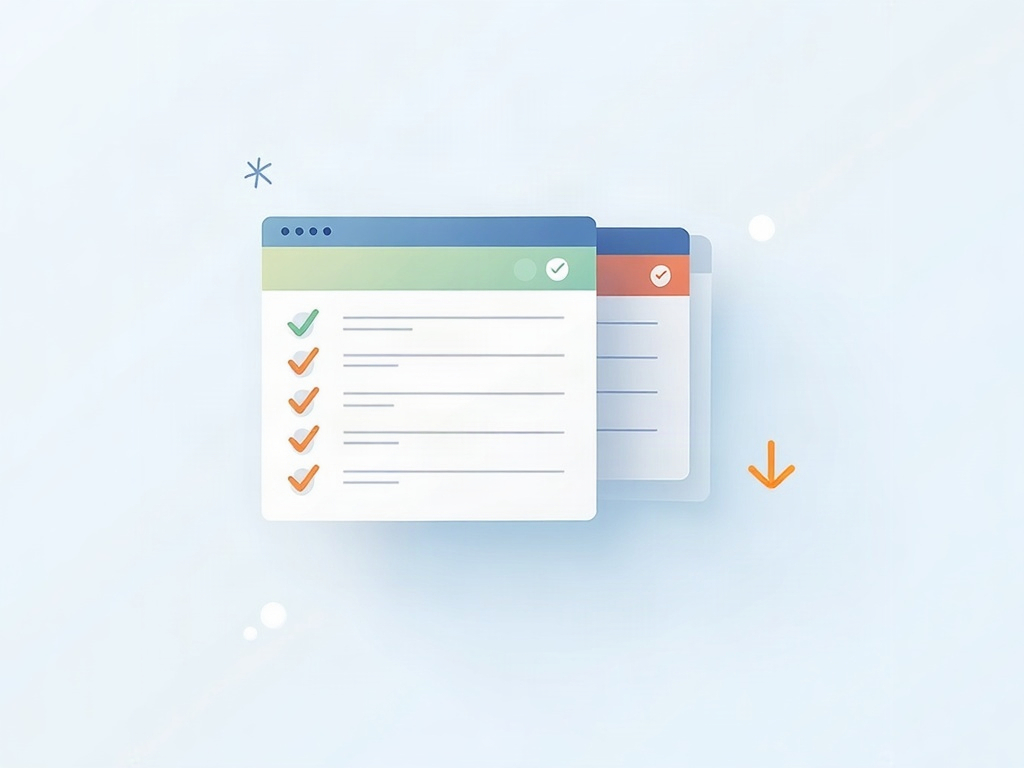
The foundation of handling recurring work well is to get the routine out of someone’s head and onto a reusable template card. Write the recurring task once, with its steps as a checklist right on the card: for a month-end close that might be ‘reconcile bank’, ‘chase outstanding invoices’, ‘post adjustments’, ‘lock the period’, ‘file the report’. Save that as a template. Then each cycle you spawn a fresh copy from it rather than reinventing it. The fresh card starts complete and identical every single time, which is exactly what routine work should be — boring, repeatable, and impossible to half-remember. This is the same discipline that makes any card useful: knowing what belongs on a kanban card so the person who picks it up has everything they need without asking. For recurring work, the checklist is the point — it is the difference between ‘run the close’ and a close that actually gets every step done.
Let the card cycle: create, move, archive, repeat
Once the routine is a template, treat each occurrence as a real, finite card that lives and dies on its cadence. When the weekly report is due, a fresh card appears in your first column. It moves across as the work gets done — To Do, Doing, Done — like any other card, so at a glance you can see this week’s report is in progress, or finished, or worryingly still sitting untouched on Thursday afternoon. When it is done, you archive it. Next week, a new copy is born and does the same journey. The card cycling from column to column is what gives you the thing the permanent card could never provide: proof of this occurrence. You are not asking ‘do we do backups?’ — you are looking at whether this week’s backup card reached Done. Whether you create the next card by hand on a set day or your tool spins it up on a schedule matters less than the habit that every occurrence is its own card that has to actually move.
Give routines their own lane so they don’t crowd the real work
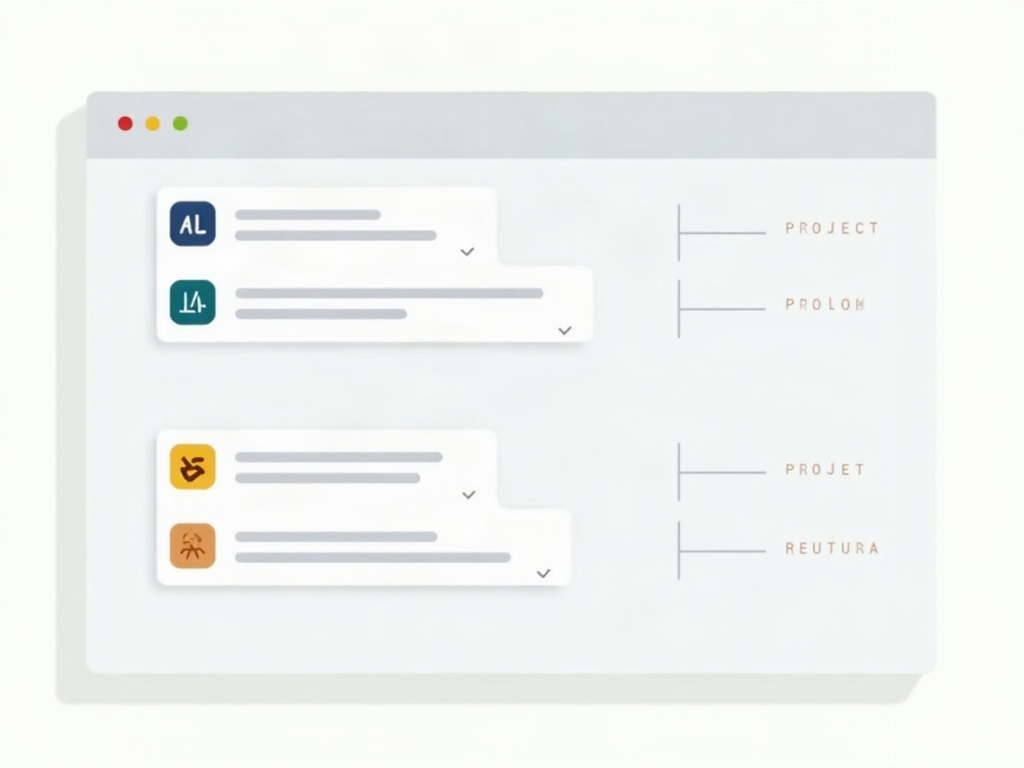
Here is the clutter worry, and it is a fair one: if every weekly and monthly routine drops cards into the same columns as your client projects, the board fills with chores and the important work gets buried. The clean fix is to give recurring work its own horizontal lane — a ‘Routines’ or ‘Operations’ row along the bottom of the board — so repeating tasks flow through the same columns but stay visually separate from project work. Your eye can skip the routine lane when you are thinking about projects, and check only it when you are asking ‘is the regular stuff handled?’. If the sheer volume of routine work is large, it may even deserve its own board entirely, kept beside your project board. Either way the principle is the same one behind using swimlanes to organize a busy board so nothing gets lost: separate streams of work want separate rows, not a single jumbled column.
Don’t let routine work quietly eat your capacity
One trap catches teams that get organized about routines: they suddenly see how much recurring work there is, and it turns out to be a lot. That is actually the good news — it was always there, just invisible. But it means recurring cards are real work competing for real hours, and they must count against your limits like anything else. If you run work-in-progress limits, a routine card in Doing occupies a slot the same as a project card; pretending routine work is ‘free’ is how a Tuesday gets eaten by chores no one planned for. Decide who owns each recurring task, and be honest that the Monday report and the month-end close are jobs with a cost, not background hum. This pairs naturally with a habit many small businesses already keep — a weekly reset that keeps the business organized — which is the perfect moment to glance at the routine lane and make sure nothing silently stalled.
A simple setup you can put in place today
You do not need a complicated system. Make a template card for each genuinely recurring task, checklist and all. Give recurring work a dedicated lane so it stays visible without swamping your projects. Spawn a fresh card each cycle, let it move across the board like any other, and archive it when it is truly done — so the position of the card, not someone’s memory, tells you the truth. Assign an owner, and count the work against your capacity honestly. Do that, and the tasks that used to slip through the cracks — the backups, the filings, the reports — become the most reliable, most visible work you have. That is really the whole promise of a board: making the invisible visible, one card at a time. A tidy kanban board, with routines given a lane of their own, is a quiet way to make sure the work that keeps your business running never gets forgotten just because it is familiar.

Sources & further reading: