Watch yourself for a week and you’ll notice something: a surprising amount of your work isn’t new. A new client signs on, and you type out the same eight onboarding steps you always do. A blog post goes up, and you rewrite the same publish checklist you’ve written fifty times. An invoice goes out, and you try to remember the three things you always forget. The work repeats, but every time, you build the card from scratch.
That’s the quiet tax of a blank card. It’s not just the minutes spent retyping. It’s the step you forget at 4:55 on a Friday, the detail that was in your head but never made it onto the board, the slightly different way each team member does the “same” task. Card templates fix all of it at once.
What a card template actually is
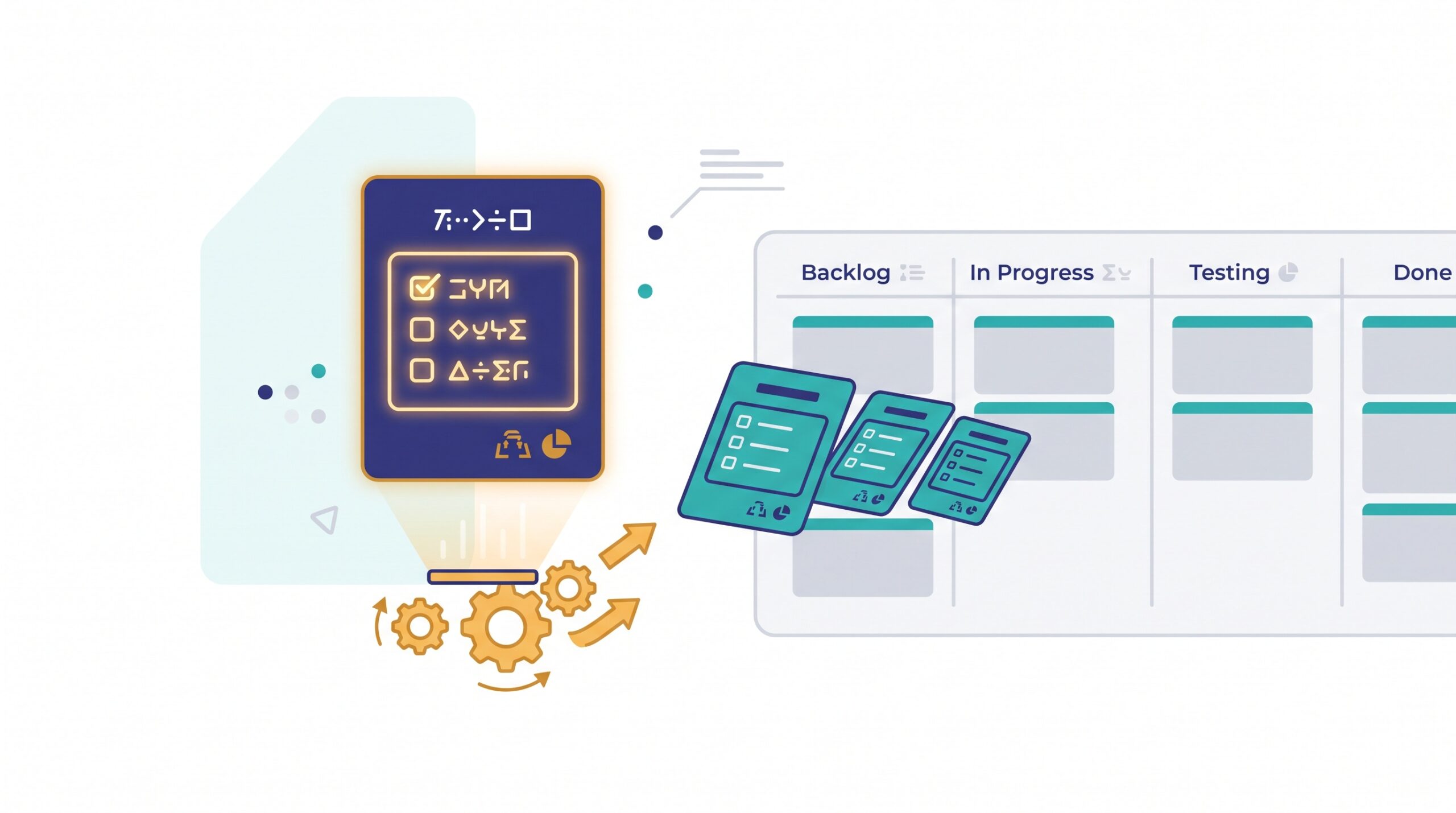
A card template is a reusable card with its structure already filled in: a clear title pattern, the fields you always need, and most importantly, a built-in checklist of the steps that job requires. Instead of starting from an empty card, you clone the template and start from a finished skeleton. The thinking is already done. You just do the work.
Most board tools support this directly, whether they call it a template card, a card blueprint, or simply duplicating a saved card. Even if yours doesn’t have a formal feature, you can keep one “master” card parked in a reference column and copy it whenever you need it. The mechanism matters less than the habit.
Start with the work you do most
Don’t try to template everything. The payoff comes from the handful of jobs you repeat constantly. Spend ten minutes listing the kinds of work that land on your board again and again, then template the top three or four. Common candidates:
- Onboarding, whether it’s a new client, a new hire, or a new vendor.
- Publishing or shipping something, where the same pre-flight checks apply every time.
- Recurring admin, like a monthly close, a weekly report, or a billing run.
- Support or intake requests that follow a predictable path from received to resolved.
These are the jobs where a forgotten step actually costs you, and where consistency matters most. If you’ve ever thought about how to handle repeating tasks without cluttering your board, templates are the other half of that answer: the recurring card shows up on schedule, and the template makes sure it always carries the right steps.
Put the checklist where the decisions live
The heart of a good template is the checklist. This is where you encode the knowledge that usually lives only in someone’s head. Write each step as a concrete action, not a vague reminder. “Confirm client’s billing address” beats “check details.” “Add alt text to all images” beats “SEO stuff.”

A strong checklist does three things. It prevents the forgotten step, because the step is right there staring at you. It lets anyone pick up the card and do it the same way, which is the whole point of designing cards your team can actually use. And it turns a card into a tiny standard operating procedure, so your best way of doing something becomes the default way, not the lucky way.
Templates and “ready” go together
There’s a natural link between templating and knowing when work can start. A template can bake your entry criteria right into the card: the information you need, the approvals you require, the inputs that must exist before anyone touches it. That’s essentially a lightweight definition of ready built into the card itself.
When the first few checklist items are “do we have X, Y, and Z,” a card can’t pretend to be ready when it isn’t. You catch the missing piece before the work stalls halfway through, not after.
Keep a small, visible template shelf
Templates only help if people can find them. Scattered saved cards that nobody remembers aren’t templates; they’re clutter. Keep your templates in one obvious place: a dedicated “Templates” column, a reference board, or a labeled section your tool provides. Make grabbing the right template faster than building a card by hand, or people will just build by hand.

Name them clearly, too. “New Client Onboarding” is findable. “Card 2 (copy)” is not. A small, well-labeled shelf of five or six templates covers most repeatable work for a small team without becoming a bureaucracy of its own.
Treat the template as a living document
The first version of any template will be imperfect. You’ll ship a few, notice a step that’s always skipped or a step that’s always missing, and adjust. That’s exactly how it should work. Every time you run a templated card and think “I wish this had reminded me to…”, that’s a note to improve the template, not just this one card.
This is where templates quietly compound. A blank card is as dumb today as it was a year ago. A template gets smarter every time someone uses it and feeds back a fix. Over a few months, your onboarding template stops being “the steps I remember” and becomes “the steps that actually work,” refined by real runs. It’s the same spirit as a good client onboarding board, just distilled down to a single reusable card.
The takeaway
If you’re retyping the same steps every time a familiar kind of work shows up, you’re paying for that work twice: once to do it, and once to remember how. Card templates end that. Template the three or four jobs you repeat most, write the checklist as concrete actions, bake in your readiness checks, keep the templates somewhere obvious, and improve them a little each time you use them.
Start with just one. Pick the job you dread rebuilding most, turn it into a template this week, and feel the small relief the next time it lands and you simply clone it. A simple board earns its keep by making the work visible; a few good template cards make the repeatable work almost automatic.