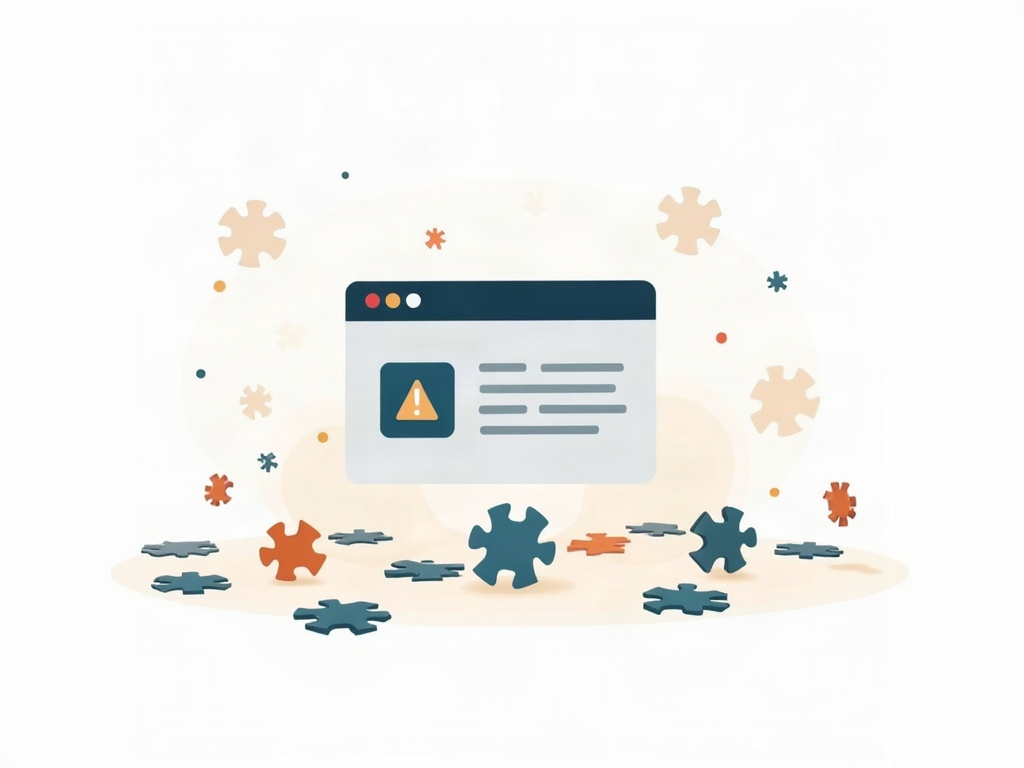
Your business website is working fine. The pages load, the contact form sends, and nobody has complained. So you stop looking at it — which is exactly the moment it starts drifting out of date. Plugins go a version behind, then five. A backup that was running quietly stops, and no one notices because backups are invisible until the day you desperately need one. Then, some ordinary Tuesday morning, an update you can no longer safely skip takes the whole site down while you’re trying to serve customers.
None of that happens because you’re careless. It happens because website maintenance is fuzzy, unscheduled, and easy to postpone. There’s no client shouting for it and no deadline forcing it, so it loses every fight for your attention. The fix is to make it concrete. When each piece of upkeep becomes a card you can see on a board, “maintain the website” stops being a vague worry and becomes a short, repeatable routine. Here’s how to run your WordPress maintenance on a kanban board.
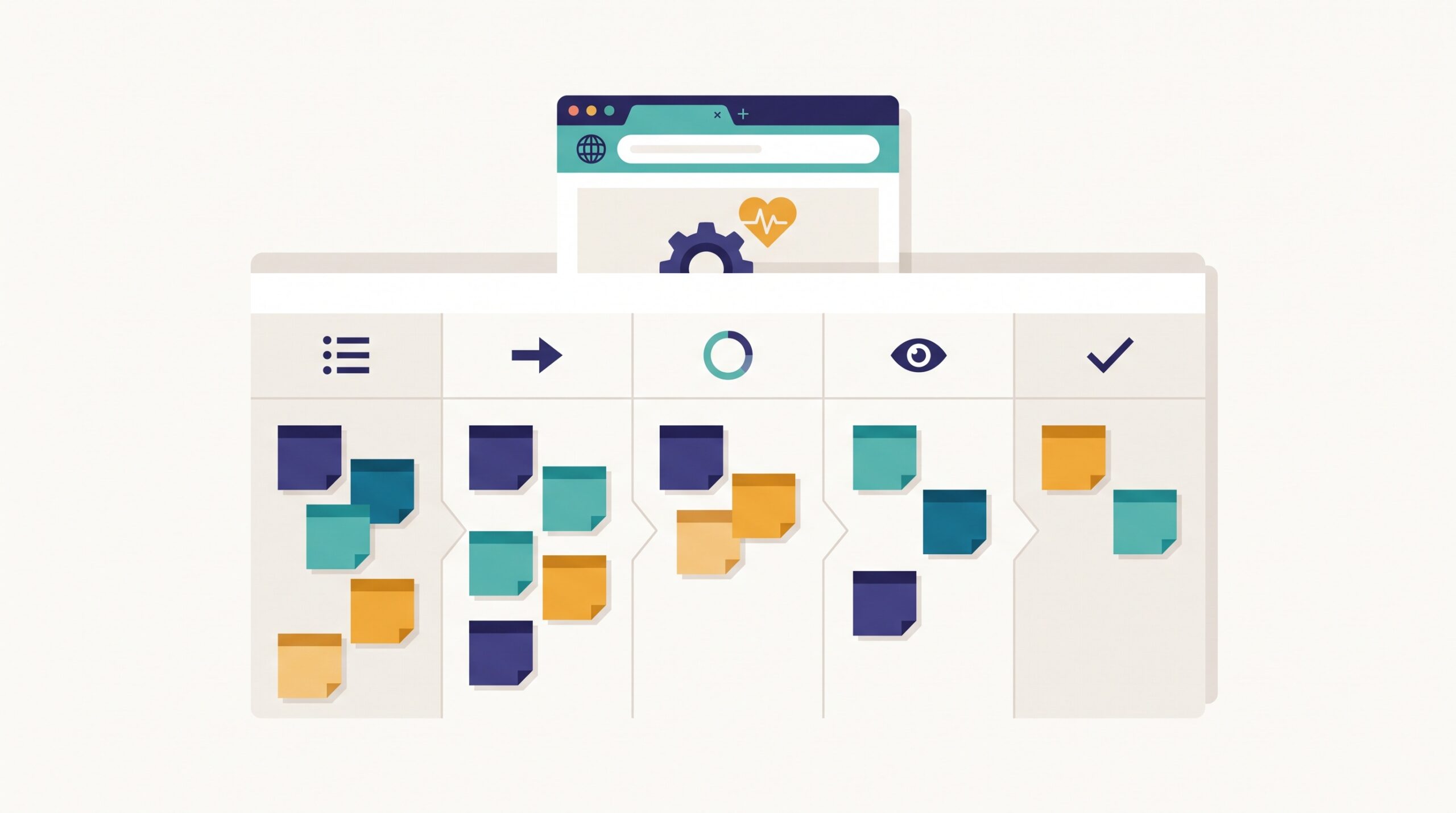
Why website upkeep quietly falls apart
Maintenance is the classic important-but-not-urgent work. A broken checkout costs you money the instant it breaks, so it gets fixed. But the plugin update that prevents a broken checkout has no such urgency — until it does. The reward for doing it is that nothing bad happens, which is the least motivating reward there is.
On top of that, “maintain the website” isn’t one task. It’s a dozen different jobs on a dozen different clocks: security plugins that want updating weekly, core updates every few weeks, a backup you should verify monthly, a broken-link sweep quarterly, an SSL certificate that renews once a year. Held in your head, that’s an impossible amount to track, so it collapses into “I’ll deal with it when something breaks.” A board fixes that by giving every one of those jobs a visible home and a due date, so the work surfaces itself instead of waiting for an outage to remind you.
Turn maintenance into a handful of recurring cards
Start by writing down what your site actually needs, then turn each item into a card. For a typical small-business WordPress site, the cards look something like this:
- Update plugins & themes — weekly, after checking they’re compatible
- Apply WordPress core updates — as they’re released, tested first
- Verify a backup actually restores — monthly (a backup you’ve never tested is a rumour)
- Check the contact form and any checkout — monthly, by actually submitting one
- Scan for broken links and 404s — quarterly
- Review security: logins, users, spam, malware scan — monthly
- Confirm SSL and domain renewals — annually, well before they lapse
The key is that each card carries the small details that make it doable by anyone: what to check, how to know it passed, and how often it repeats. That’s the same discipline behind designing cards your team can actually use — a card that just says “backups” is a shrug, while a card that says “restore last night’s backup to staging and confirm the homepage loads” is a task someone can finish and check off.
Build the board around “due,” not “someday”
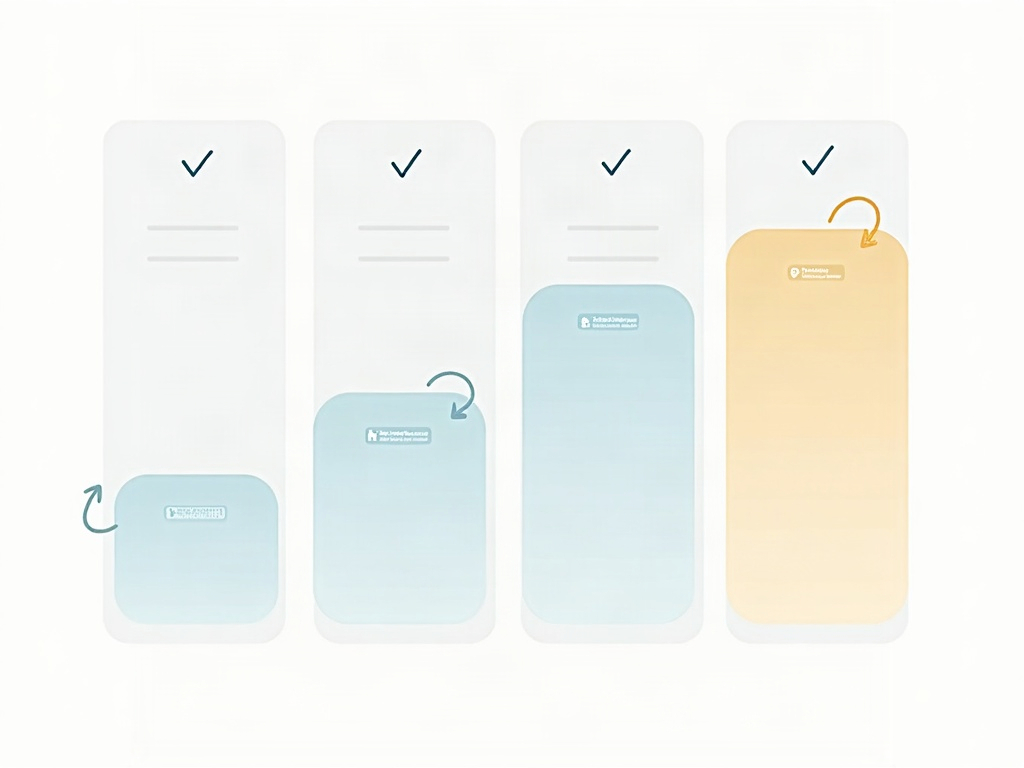
You don’t need an elaborate board for this. Four columns carry the whole system: Scheduled → Due This Week → Doing → Done. Most of your maintenance cards live quietly in “Scheduled” with a next-due date. When a card’s date arrives, it moves to “Due This Week,” which becomes your short, honest list of what actually needs attention now. “Doing” holds whatever you’re mid-way through, and “Done” gives you the small, real satisfaction of seeing upkeep completed.
The magic is in the recurrence. The moment you finish a monthly backup check and slide it to “Done,” you set its next due date a month out and send it back to “Scheduled.” The task doesn’t vanish — it loops. This is where a maintenance board beats a one-time checklist: a checklist gets completed once and forgotten, while a board keeps the same handful of jobs circulating forever. If you’re running the site solo, this fits neatly into the same rhythm as any one-person board — you’re just adding a recurring maintenance lane to the work you already track.
Write down the rules so the board runs itself
A maintenance board only protects you if everyone treats its cards the same way — and “everyone” includes future-you, six months from now, who won’t remember today’s good intentions. So make the rules explicit. Decide, and write on the board, things like: never update plugins on a Friday afternoon, always update on staging before production, a backup card can’t move to Done until a restore has been tested.
Those little agreements are what stop a maintenance routine from quietly degrading into rubber-stamping. Writing them where the work happens is exactly the idea behind making your board’s rules visible instead of leaving them in one person’s head. When the policy lives on the board, the board can run without you having to hover over it — and it can survive being handed to someone else entirely.

Flag what’s blocked instead of skipping it
Not every maintenance task goes smoothly. A plugin update breaks a page and needs rolling back. A backup fails because the server ran out of space. An SSL renewal is stuck behind a domain you can’t quite log into. The temptation, when you’re busy, is to quietly slide these back to “Scheduled” and pretend they’re handled — which is how a small, fixable problem becomes the root cause of next month’s outage.
Give those cards a blocked flag instead, so they stand out rather than disappearing back into the queue. A problem you can see is a problem you’ll actually come back to; the same logic we described in making bottlenecks visible before they stall your work applies just as well to a stalled security update. A blocked backup card sitting in plain sight is uncomfortable — and that discomfort is precisely what gets it fixed before it matters.
Keep it small, keep it moving
You can set this up in an afternoon with tools you already have. Make one board with the four columns above. Add a card for each maintenance job your site needs, with a plain description of what to check, how to know it passed, and how often it repeats. Give each one a next-due date. Then block out fifteen or twenty minutes on a fixed day each week to open the board, work whatever has landed in “Due This Week,” and reschedule the ones you finish.
That’s the entire system. No new subscription, no sprawling checklist you’ll abandon by March — just the handful of jobs that keep a business website healthy, sitting where you can see them, quietly cycling through so nothing gets a chance to rot. The updates you used to skip and the backups you used to hope were running now have a place that keeps them in view until they’re done. A little upkeep on a schedule is what stands between a site that quietly works and one that surprises you on a Tuesday morning — and a simple kanban board is often all it takes to keep that upkeep from ever falling behind.