Look at your board right now. Somewhere in the middle, there is probably a card that has been sitting in the same column since last week, maybe longer. You keep sliding past it. It is not screaming for attention, which is exactly the problem. That quiet, stuck card is one of the most honest signals your board can give you, and once you learn to read it, you can catch delays before they turn into missed deadlines and awkward client emails. This is not about complicated dashboards or a data science degree. It is about noticing how long things take and doing something about it.

Cycle Time and Lead Time, in Plain Words
Two terms get thrown around a lot, so let us make them boring and clear. Lead time is the full wait from a customer’s point of view: the moment someone asks for something to the moment they get it. If a client requests a logo revision on Monday and receives it the following Monday, the lead time is seven days, no matter what happened in between.
Cycle time is the working clock. It starts when someone actually begins the task and stops when it is done. If that logo revision sat in a request pile for five days and then took two days of real work, your cycle time is two days but your lead time is seven. That gap between the two numbers is often where the frustration lives, because your customer feels the seven while you only feel the two.
Why an Aging Card Is an Early Warning
An aging work item is simply a card that has been in one column longer than similar cards usually take. It is the equivalent of a check-engine light. Nothing has broken yet, but something is off, and the longer you ignore it the more it tends to cost you.
Aging cards matter because problems on a board rarely announce themselves. A task does not send an email saying it is blocked. Instead it just stops moving. When you train yourself to notice how long a card has been parked, you shift from reacting to fires to spotting smoke. A card that normally clears “In Progress” in two days and has now sat there for six is telling you to go ask a question today, not next week.

Spotting Bottlenecks by Where Cards Pile Up
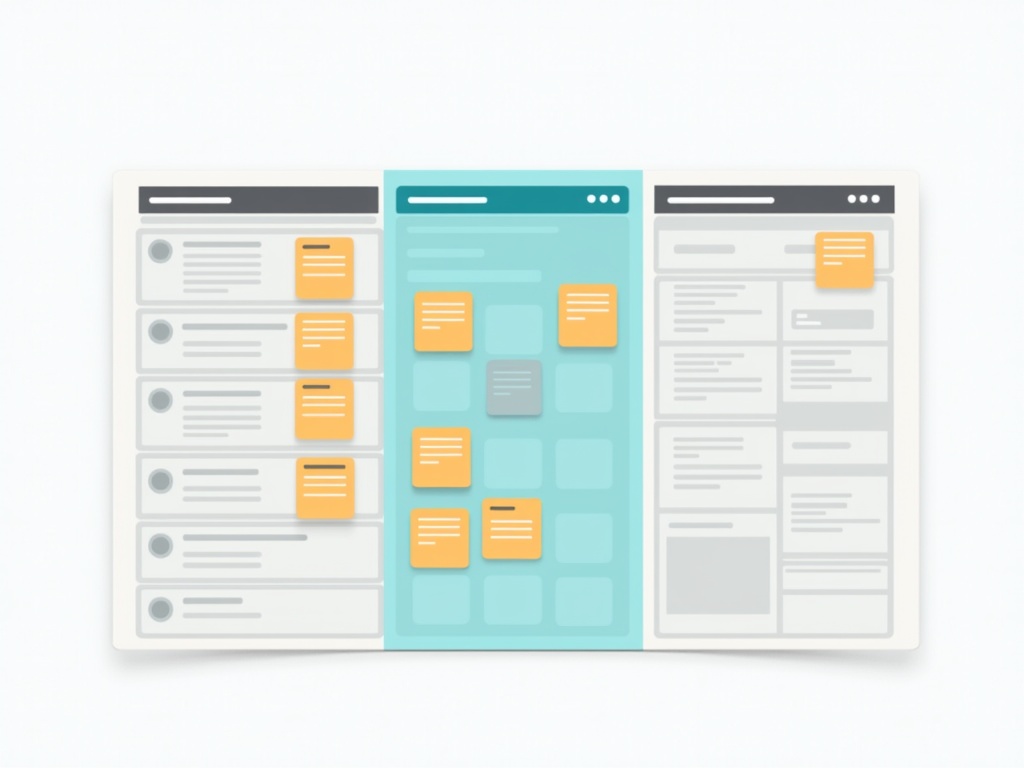
Here is the good news: your board already draws you a map of your problems. You do not need to calculate anything. Just look at where the sticky notes bunch together. If one column is crowded while the columns around it are nearly empty, that crowded column is your bottleneck.
Think of it like traffic. Cars do not pile up randomly; they pile up right before the lane closure. On a board, work piles up right before the step that cannot keep up. Maybe everything jams in “Review” because only one person can approve things. Maybe “Waiting on Client” is always stuffed because you never follow up. The pile is the diagnosis. Your job is to look at the column doing the piling, not to blame the individual cards.
Track It Without Fancy Tools
You do not need special software to start reading flow. You need a little discipline and three simple habits.
First, track age in column. When a card moves into a new column, note the date on it. Now anyone can glance at a card and know it has been in “Testing” for nine days. That single date turns an invisible delay into a visible one. On a physical board, write it in the corner. On a digital board, a comment or a label does the job.
Second, run a stuck-card review. Once a week, spend ten minutes scanning only for the oldest cards in each column. Do not review everything, just the ones that have gone quiet. For each one ask a single question: what is this card waiting on? You will be surprised how often the honest answer is “nothing, I just forgot about it.”

WIP Is Usually the Real Cause
When cards age and columns clog, the culprit is often the same: too much started at once. Work in progress, or WIP, is everything you have begun but not finished. When you have twenty things half-done, every one of them ages while it waits its turn for your attention, and nothing crosses the finish line quickly.
The math is unforgiving but fair. The more items you juggle at the same time, the longer each individual item takes to complete. Starting is easy and it feels productive, but starting is not the same as finishing, and only finishing helps your customers or your revenue. If your cards are aging everywhere at once, the answer is usually to stop taking on new work until the older cards move, not to work faster.
Concrete Ways to Unstick a Card
When you find an aging card, resist the urge to just feel guilty about it. Do one of these instead. Ask what it is blocked on and go clear that specific block, even if it means a slightly uncomfortable message to whoever owns the answer. Break a big, stalled card into two smaller ones, because oversized tasks age the most and shrinking them restores momentum. If it has been waiting on someone else, set a clear follow-up rather than hoping they remember.
And sometimes the honest move is to kill the card. If something has aged for a month and nobody has missed it, it may simply not matter anymore. Closing a dead card is not failure; it is a decision, and it frees up attention for work that counts.

Your Simple Takeaways
You do not have to master metrics to get the benefit of them. Start here. Note the date when a card enters a column so its age is visible. Once a week, review only the oldest card in each column and ask what it is waiting on. Watch where cards pile up and treat that column, not the cards, as the problem. Keep the number of things you have started low so each one finishes faster. And when a card is stuck, take one concrete action today: unblock it, split it, chase it, or close it.
None of this requires a heavy system. A plain board with a few columns and a habit of glancing at how long things sit will teach you more about your work than any report. If you want that view without the fuss, a simple kanban board like KanbanBlocks makes a card’s age easy to see at a glance, so the signal finds you instead of you having to hunt for it.