Around this time every year, the roundups arrive. The 10 best project management tools of 2026. The biggest trends reshaping how teams work. Scroll through a few of them and you’ll see the same themes repeated: AI woven into everything, richer dashboards, deeper reporting, more integrations, more automation, more. It all sounds impressive, and for a 500-person company with a dedicated operations team, a lot of it genuinely matters.
But if you’re running a team of four, or freelancing with a couple of contractors, those trend lists can quietly steer you wrong. They’re written with big organizations in mind, and the “must-have” feature for an enterprise is often dead weight for a small team — one more thing to configure, pay for, and ignore. So let’s read the 2026 trends through a different lens: not “what’s new and shiny,” but “what does a small team actually need from this?”
The gap between the trend lists and your reality
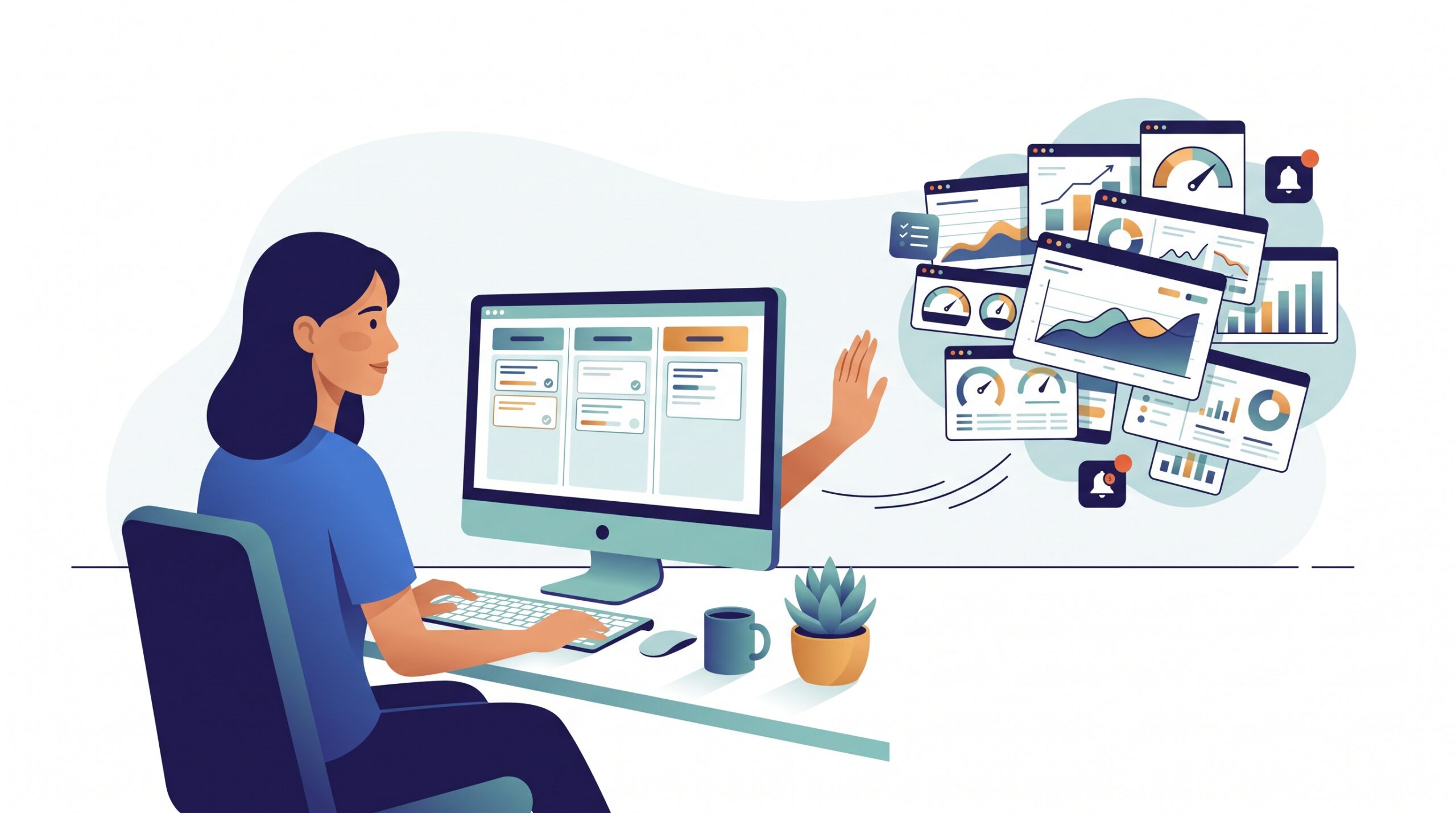
The big buyer’s guides optimize for breadth. They reward tools that can do everything, because a reviewer covering the whole market has to assume someone, somewhere, needs resource-capacity planning, portfolio dashboards, and custom reporting pipelines. The score goes up with the feature count.
A small team optimizes for the exact opposite. Your real constraint isn’t capability — it’s attention. The tool only helps if everyone actually uses it, every day, without being nagged. That means the feature that matters most to you is often the one the trend lists barely mention: will my team open this without being told to? Keep that question in your back pocket as we go through what 2026 is actually selling.
AI everywhere: useful when it removes work, not when it adds a feature
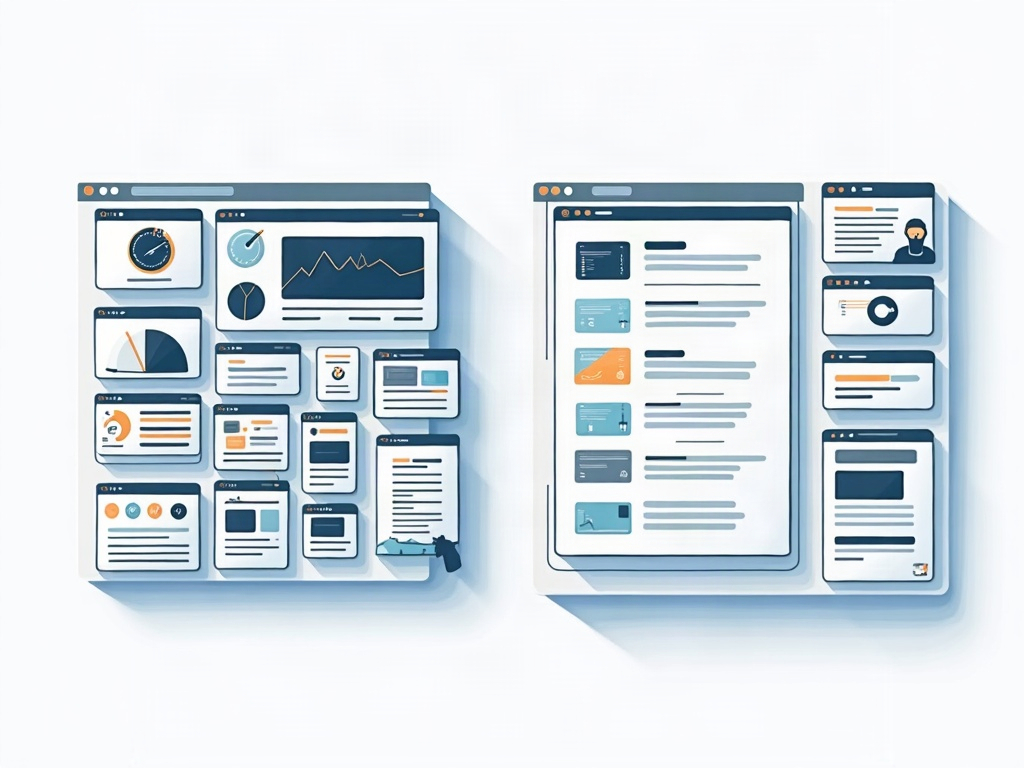
AI is the headline trend for 2026, and it’s genuinely splitting into two very different things. The good kind quietly removes busywork: it drafts a card description from a one-line note, suggests which column a task belongs in, summarizes a long comment thread, or turns a messy email into a few clean action items. That’s AI earning its keep — you do less typing and setup, and nothing new lands on your plate.
The other kind is AI as a feature to be managed: a chatbot you have to prompt well, an “agent” you need to configure and supervise, a settings panel you’ll poke at once and never revisit. For a small team, be ruthless here. Adopt AI that saves you a step you were already doing. Skip AI that asks you to learn a new skill to extract value. If a tool’s AI pitch is mostly about what you could build with it rather than what it quietly does for you, it’s probably not built for a team your size.
Automation: say yes, but start embarrassingly small
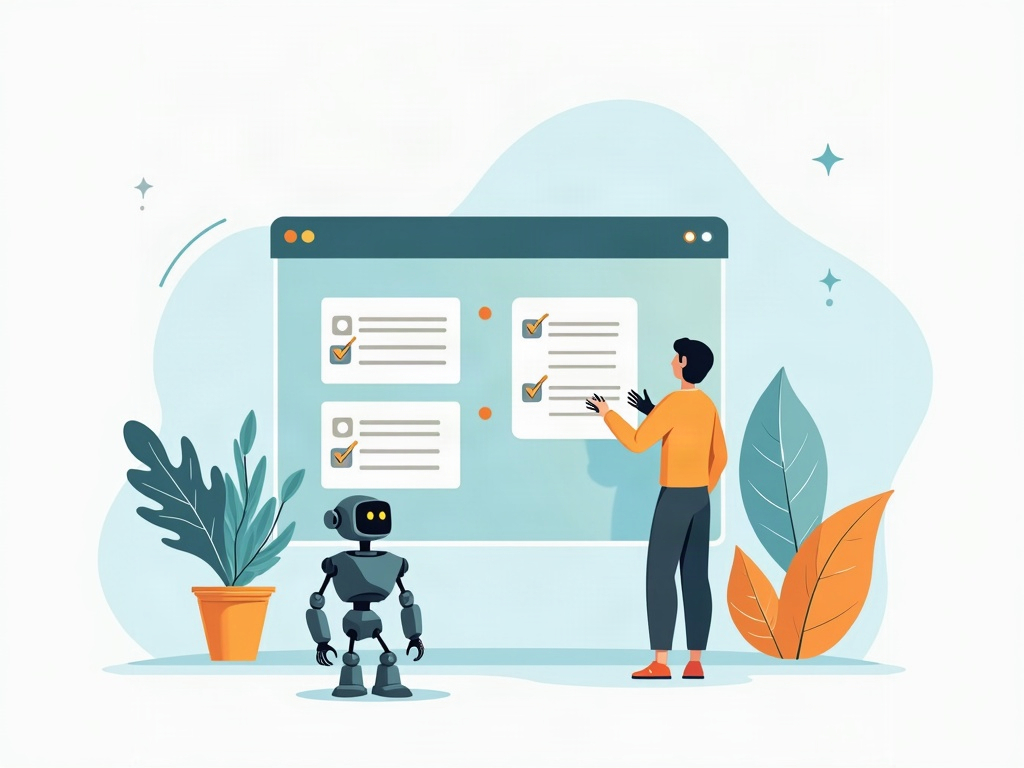
Workflow automation is a trend worth embracing — with discipline. The wins for small teams are the boring ones: a recurring task that recreates itself every Monday, a card that moves to “Review” and automatically pings the right person, a checklist that populates itself when a new client job starts. These remove friction you feel every single week.
Where teams go wrong is trying to automate everything at once and building a fragile machine nobody understands. Automate one or two genuinely repetitive steps, live with them for a few weeks, and add more only when you feel the pain they’d solve. If you’re ever unsure whether a step is worth handing to the software at all, it’s worth pausing to group similar work together first — often the real fix is batching, not building a rule.
Collaboration and client access: the trend that earns its place
Here’s a 2026 theme that’s unambiguously good for small teams: real-time collaboration and painless visibility. Shared boards that update instantly, comments attached to the work instead of buried in email, and — increasingly — clean ways to let a client see progress without handing them the keys. For a small business, this quietly kills the status meeting. When everyone, including the client, can glance at the board and see exactly where things stand, you stop spending your week writing update emails.
This is one place to actively look for strength when you evaluate tools. If you work with clients, the ability to give them read-only access to the board without losing control is worth more than a dozen flashier features. Transparency that costs you nothing to maintain is the best kind.
The trends to quietly ignore
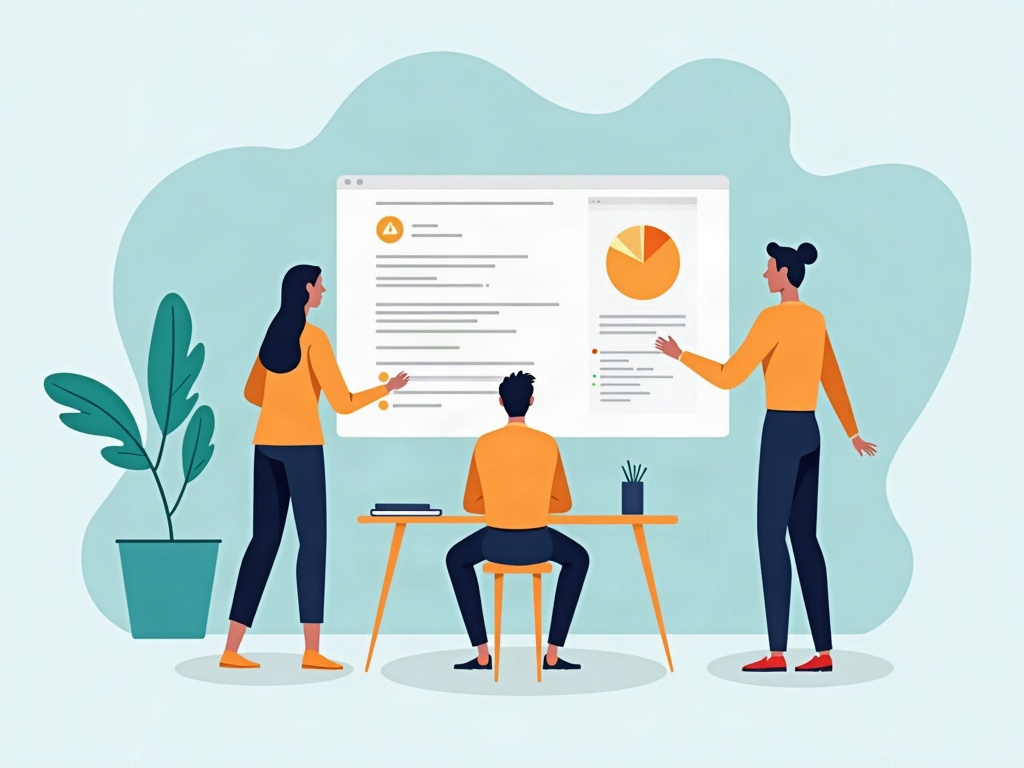
Some of 2026’s most-hyped capabilities are simply enterprise concerns wearing a small-business label. Elaborate reporting and analytics suites, story-point velocity tracking, resource-leveling across dozens of people, deep portfolio roll-ups — these solve problems a small team doesn’t have yet, and pretending you do just adds overhead. If you’ve ever wondered whether you’re supposed to be estimating in story points, the honest answer for most small teams is no; there’s a simpler way to plan that fits how you actually work.
The same goes for sprawling integration marketplaces. Connecting a hundred apps sounds powerful, but every integration is a thing that can break and a setting you’ll forget you changed. Pick the two or three connections you truly need — your calendar, maybe your chat tool — and leave the rest. A short list of reliable links beats a long list of brittle ones.
How to evaluate any tool in five honest questions
When the trend lists have you tempted, slow down and run the candidate through a few plain questions before you commit:
- Will the team actually use it? If it takes a training session to get started, adoption will quietly fail. Small teams need something people grasp in an afternoon.
- Does it fit how we already work? The best tool bends to your existing workflow instead of forcing you to reorganize around its ideas.
- What’s the true cost over a year? Add up per-seat pricing, the hours spent setting it up, and the time lost switching. The sticker price is rarely the real number.
- Can we leave if we need to? Can you export your data cleanly? A tool you can’t walk away from has quiet leverage over you.
- Does it stay out of the way? Good software for a small team is mostly invisible. You should think about the work, not the tool.
A quick weekly review of how work is actually flowing will tell you more about whether a tool is helping than any feature comparison ever could — if the board is calm and things are shipping, you’ve chosen well.
The trend that never goes out of style
Strip away the 2026 hype and the pattern is clear: the trends worth adopting are the ones that remove something — busywork, status meetings, manual setup — and the ones to skip are the ones that add complexity you’ll have to tend. For a small team, the real competitive edge isn’t the most advanced software; it’s a simple system everyone actually keeps using. Read the roundups for ideas, borrow the handful that fit, and let the rest stay where it belongs: on someone else’s much bigger team. A clean kanban board that your whole team opens without thinking will quietly outperform the most feature-packed platform you never fully set up.
Sources & further reading: