Anyone who has built a WordPress site from scratch knows the feeling. You start full of momentum – a theme picked, a logo ready – and somewhere around week two the whole thing turns into a swamp of half-finished pages, a plugin you meant to configure, a contact form nobody tested, and a nagging sense that you are forgetting something important. Then launch day arrives and it is a frantic scramble of last-minute fixes.
It does not have to go that way. A website build is a project like any other, and projects that move smoothly almost always have one thing in common: the work is visible. Put every piece of a WordPress launch on a kanban board and the swamp turns back into a path. Here is how to set it up.
Why a Website Build Begs for a Board
A WordPress launch is deceptively complex. It is not one job, it is dozens of small ones, and they depend on each other in awkward ways. You cannot finalise the homepage copy until the brand direction is settled. You should not install the caching plugin until the site is mostly built. You dare not point the domain until everything has been tested. Held only in your head, or scattered across a notes app and three email threads, those dependencies are exactly where things stall.
A kanban board fixes this by doing one simple thing: it shows you, at a glance, every task that exists and exactly where each one stands. Nothing hides. The plugin you forgot is sitting right there in a column, staring at you. That visibility is the whole point, and for a solo freelancer or a small agency it is worth more than any amount of fancy software.
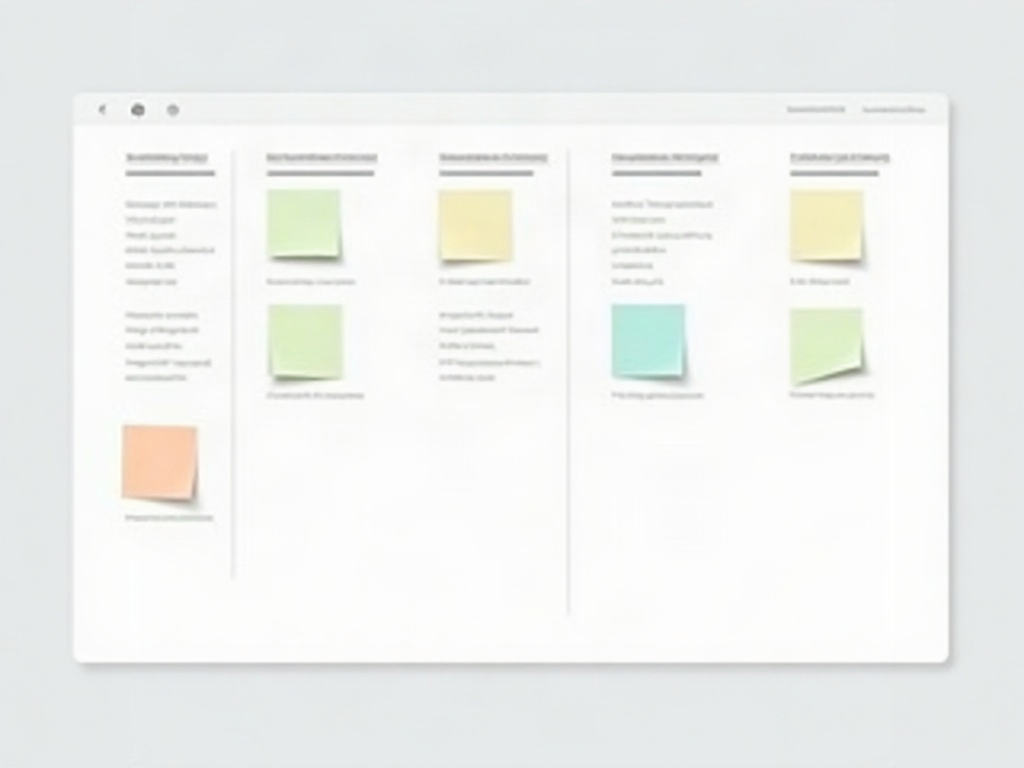
The Columns: Mapping a Real Build
Resist the urge to use a generic To Do / Doing / Done board. A website build has natural phases, and your columns should reflect them. A setup that works well for most WordPress projects looks like this:
- Backlog – every task you can think of, dumped here first so nothing lives only in your memory.
- Design & Setup – theme choice, brand assets, hosting, the staging environment.
- Build – the actual page construction, templates, and layout work.
- Content – writing and loading copy, images, and media into those pages.
- Review & Test – the quality gate where everything gets checked.
- Ready to Launch – tasks that are done and simply waiting for go-live.
- Live – shipped.
The flow from left to right tells the story of the project. When cards pile up in Content while Build sits empty, you can see instantly that writing has become the bottleneck – and you can do something about it before launch day instead of discovering it at midnight.
Stocking the Backlog: The Launch Checklist as Cards
The first real work is a brain-dump into the Backlog. Make a card for every task you know a WordPress site needs, so none of them can be forgotten later. A starting list for almost any build:
- Set up hosting and a staging site
- Install and configure the theme
- Build the core pages: home, about, services, contact
- Create the navigation menu and footer
- Write and load page copy
- Source and optimise images
- Set up the contact form and test a real submission
- Install essential plugins: security, backups, SEO, caching
- Configure permalinks and basic SEO settings
- Add an SSL certificate
- Check mobile and tablet layouts
- Test every link and every form
- Set up analytics
- Point the domain and go live
Seeing all of that laid out as physical cards is clarifying. It is also reassuring: the project is finite. There are this many things to do, not an infinite fog of them.
What Belongs on Each Card
A good card carries just enough detail to be picked up and finished without a second conversation. For a build task, that usually means a clear title, who owns it, and a short checklist of what “done” actually requires. The contact-form card, for instance, is not done when the form appears on the page – it is done when a test submission has landed in the right inbox. Put that on the card and you close the gap where things look finished but quietly are not.
This is also where you capture the little decisions that otherwise evaporate: the plugin licence key, the client’s preferred font, the note that the logo file is in the shared drive. The card becomes the single place that piece of the project lives.
Limit What’s In Progress
The most common way a build drags on is also the most tempting: starting everything at once. You tweak the header, then jump to writing the about page, then fiddle with a plugin, and three days later nothing is actually finished. A kanban board gives you a gentle discipline against this. Decide that only a small number of cards – two or three – can sit in your Build or Doing column at any time. Finish one and pull the next.
Working in progress limits feel restrictive for about a day and then they feel like relief. Fewer things open means fewer things half-done, and a half-done website is the thing that keeps you up at night before a launch.
The Review Column Is Your Safety Net
Never let a card jump straight from Build to Live. The Review & Test column exists so that “I built it” and “I checked it works” are two separate events. This is where you click every link, submit every form, load the site on a phone, and run through your launch checklist with fresh eyes. Catching a broken menu here costs you two minutes. Catching it after the client’s customers do costs you a great deal more.
When a card finally reaches Ready to Launch, it means the work is genuinely finished and only the go-live switch remains. On launch day you are not building anything new – you are simply flipping a stack of fully-tested cards into Live. The scramble disappears.

A Calmer Way to Ship
None of this requires expensive tools or a project-management qualification. It requires one board, honest columns that match how a real website gets built, and the discipline to put every task where you can see it. Do that, and the next WordPress launch stops being a white-knuckle ride and becomes what it should be: a steady procession of small, finished pieces moving toward go-live.
If you want somewhere to run that board, a simple kanban setup – even one built right inside WordPress – is more than enough to carry a full site launch from blank theme to live, without a single forgotten plugin.