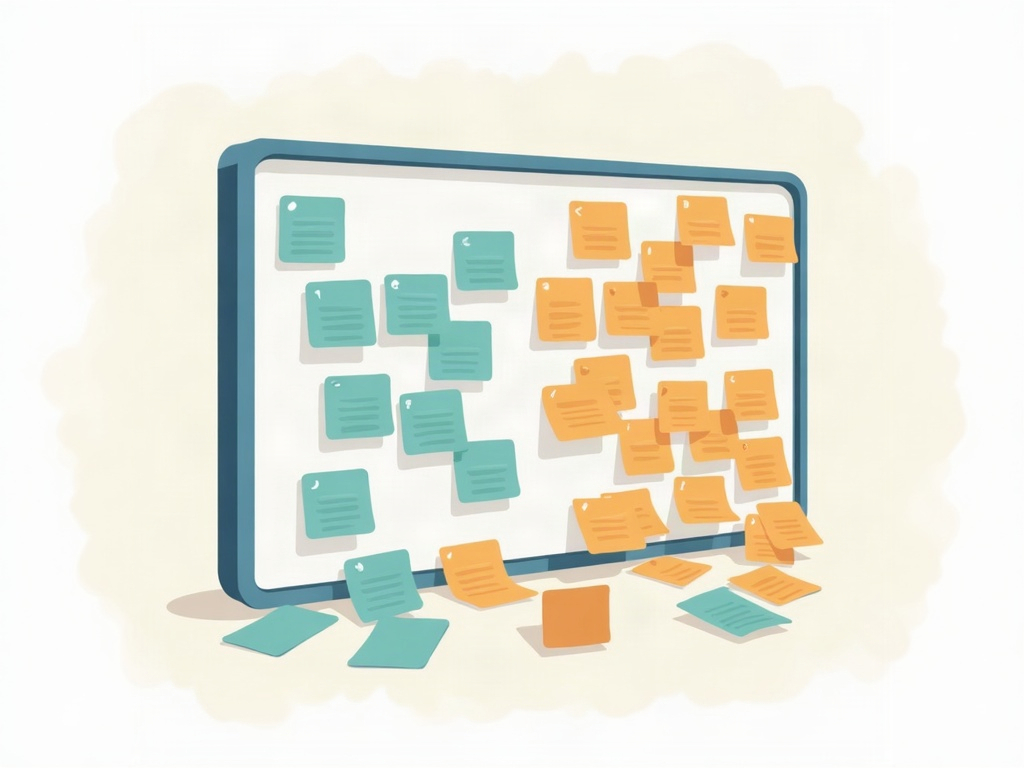
For a long time, one board is all you need. Every task the business is working on lives in one place, you can see the whole thing in a single glance, and moving a card from left to right tells the entire story. Then, quietly, it stops working. You find yourself scrolling to see everything. Two very different kinds of work — say, client projects and internal admin — are jammed into the same columns and getting in each other’s way. Someone asks ‘how’s the website relaunch going?’ and you have to hunt through forty unrelated cards to answer. The board did not fail. You simply outgrew it.
This is a good problem. It means there is more work, more people, or more moving parts than there used to be. But the fix is not to cram harder or add ever more columns. At some point the right move is to run more than one board — and the real skill is doing that without losing the single, calming overview that made kanban worth adopting in the first place.
The signs one board has outgrown itself
Before you split anything, make sure you actually need to. A board that is merely messy usually just needs a tidy, not a divorce. You have genuinely outgrown a single board when a few of these are true at once: you can no longer see all the active work without scrolling; unrelated types of work are competing for the same columns and the same attention; different groups of people only ever care about their own slice and are visually wading through everyone else’s; or a simple question like ‘where does this one project stand?’ takes real digging to answer. When those pile up, one board has become a filing cabinet with everything in one drawer.
First, try lanes before you split
Splitting is not always the answer, and it is the more expensive one, so try the cheaper fix first. Often a single board just needs to be divided within itself using horizontal lanes — one lane per project, per client, or per type of work — so each stream has its own row while still sharing the same columns and the same field of view. That is exactly what swimlanes are for: organizing a busy board so nothing gets lost without breaking it into pieces. If lanes restore order and you can still take in the whole picture at a glance, stop there. You do not have a too-many-boards problem yet; you had a no-structure problem, and you just solved it.
Reach for a second board only when the streams are so different, or so numerous, that even neat lanes leave the board unreadable — when the work truly wants separate homes rather than separate rows.
How to split: by team, by project, or by workflow
When you do split, split along a line that matches how the work actually flows. There are three common ways, and the right one is usually obvious once you name it.
By team or function is the most common. Sales gets a board, delivery gets a board, and internal operations gets a board, because each group has its own steps, its own pace, and its own definition of done. By project or client suits work that is naturally chunky and time-bound — each major project or key account gets a dedicated board so its progress is legible on its own terms and finishes cleanly when the work is done. By workflow stage is the subtlest: sometimes one long pipeline is really two, where a card ‘graduates’ from a discovery board onto a delivery board, each with columns suited to that phase. Whichever you choose, aim for boards that are each small enough to grasp in one look. If a new board is already crowded on day one, you split along the wrong line.

Keep an overview board for the big picture
Here is the part people miss, and it is the whole reason splitting scares owners: the moment work lives on several boards, no single screen tells you how the business as a whole is doing. The answer is an overview board — a deliberately high-altitude board that carries one card per stream, not one card per task. Each card stands for a whole project or a whole team’s current focus, and it moves through simple columns like Not Started, In Progress, At Risk, and Done. It is the dashboard that sits above the working boards.
The discipline that makes this work is resisting the urge to duplicate detail. The overview board should never try to mirror every card underneath it; the instant it does, you are maintaining two boards by hand and both will drift out of sync. Keep it coarse. One glance at the overview should answer ‘is anything on fire, and is everything moving?’ — and when the answer raises a question, you open the specific board underneath for the detail. Big picture on top, detail below.

Keep the rules consistent across every board
Several boards only stay manageable if they feel like one system rather than a zoo of one-off setups. That means keeping your conventions consistent. Use the same core column names wherever the workflow genuinely matches, so anyone can read any board without relearning it — the same restraint that keeps a single board legible when you decide how many columns a board actually needs applies across all of them. Carry your work-in-progress limits onto each board too, because the whole point of limiting work in progress so a board actually flows is undone if splitting into five boards quietly lets the team start five times as much at once. Consistent columns, consistent limits, consistent meaning of ‘done’: that is what turns a pile of boards back into a coherent operation.
A few honest cautions before you multiply boards
More boards are a tool, not a trophy, and it is easy to overdo it. The failure mode on the other side is over-splitting: a board for every tiny sub-project, each with three lonely cards, so that a person now has to check eight places to know what to do next and updating status becomes a chore no one keeps up. If you or your team are hopping between boards constantly to do one job, you have split too far — merge some back. Give each person a clear home base, the one board they live on day to day, and use the overview only for the cross-cutting view. The test is simple and worth repeating: every board should be graspable in a single glance, and the overview should tell you the state of the business without opening anything else. If both are true, you have scaled your system correctly. If not, adjust the lines you split along until they are.

Outgrowing one board is a milestone, not a setback. Try lanes first, split only when the work genuinely wants separate homes, divide along the way work really flows, and crown the whole thing with a lightweight overview board so the big picture is always one glance away. Do that and growth stops feeling like chaos and starts feeling like exactly what it is — more work, still visible, still under control, just spread across a few tidy boards instead of one overstuffed one.
Sources & further reading: