In 2026 it feels like every tool you open has grown an AI button overnight. Automation platforms now offer agentic “AI steps” that can reason and act on their own — Zapier is one well-known example. Your chat app has an assistant, your inbox has an assistant, and somewhere a pop-up is asking if you’d like AI to “handle this for you.” For a busy small team running a kanban board, the honest question isn’t should we use AI. It’s where does AI genuinely help our workflow, and where does it just add noise and risk? Let’s sort that out with concrete examples, no hype.
Start with what your board is actually for
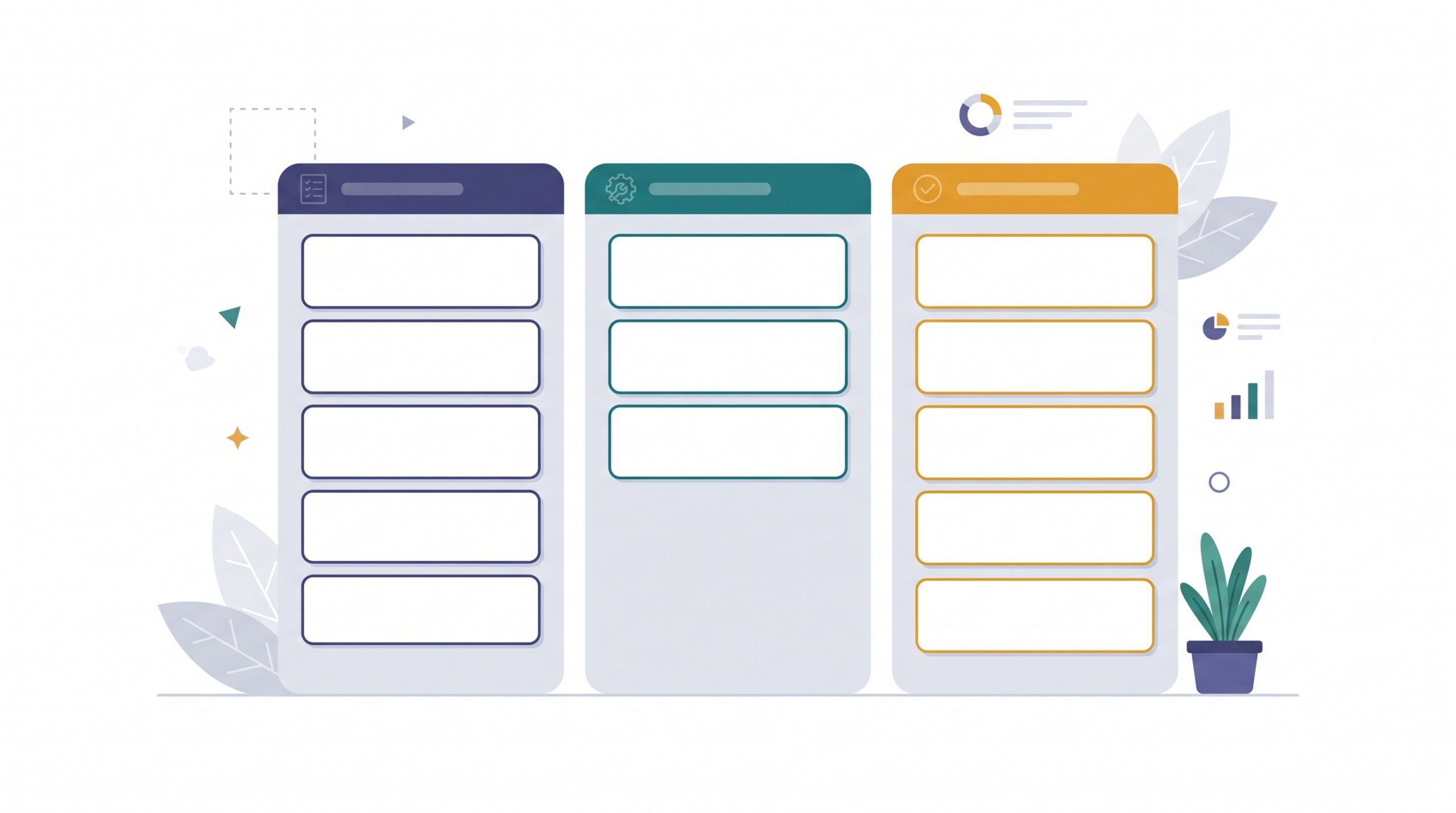
A kanban board earns its keep by making work visible. Cards move left to right, columns show status at a glance, and WIP limits stop everyone from starting ten things and finishing none. The magic isn’t the sticky notes — it’s the shared, human agreement about what matters and what happens next.
That framing gives you a simple test for any AI feature: does it help humans see and decide more clearly, or does it quietly make decisions for you? The first is a gift. The second slowly erodes the very thing the board exists to protect.
Good fit: drafting and cleaning up cards
This is where AI is genuinely excellent, because it’s low-risk and saves real minutes. A teammate drops a rushed note like “client hates the new header, fix asap??” and AI can turn it into a clean card: a clear title, a short description, and a first-draft checklist of likely steps. You read it, tweak it, and drop it in the backlog.
- Rewrite a messy request into a clear, scannable task.
- Draft a checklist so nothing obvious gets missed.
- Summarize a long email thread into a two-line card description.
- Suggest a sensible title when someone just pastes a wall of text.
Notice the pattern: AI produces a draft, and a human presses go. Nothing enters your board without a person nodding first.
Good fit: triage, summaries, and spotting trouble
The second sweet spot is handling the repetitive scanning that humans are bad at doing consistently. Incoming requests from a form or shared inbox can be auto-drafted into backlog cards, tagged by rough type, and lined up for a human to accept or reject. You’re not letting AI decide priority — you’re letting it do the typing so triage takes two minutes instead of twenty.
AI is also a strong helper for status and health checks:
- Summarize the whole board into a plain-English client update: what shipped, what’s in progress, what’s waiting.
- Flag stale cards that haven’t moved in two weeks so they don’t rot silently.
- Point out when a column has quietly blown past its WIP limit.
- Surface what’s blocked and who’s waiting on whom.
Every one of these ends with a human reading a summary and choosing what to do. The AI notices; you decide.

Poor fit: letting AI move or close cards on its own
Here’s the line worth drawing in permanent marker. The moment AI silently moves a card to Done or closes a request without a person confirming, you’ve deleted the human judgment your board was built to make visible. A card sitting in Review might be waiting on a deliberate decision, a client sign-off, or a gut feeling that something isn’t right. An agent that “tidies up” by advancing cards will paper over exactly those signals.
If the board stops matching reality, people stop trusting it — and an untrusted board is just a colorful graveyard nobody checks.
Poor fit: blind estimates, priorities, and automation sprawl
AI will happily hand you a confident estimate or a ranked priority list. Treat those as conversation starters, never as answers. The model doesn’t know your client relationships, your cash flow, or that the “small” task touches a fragile part of your system. Priority is a business decision, and business decisions stay with humans.
A few cautions worth keeping in mind:
- Automation sprawl: ten clever AI rules nobody remembers building will eventually fight each other. If you can’t explain what a rule does in one sentence, it’s a liability.
- Data privacy: think twice before piping client details, contracts, or personal data into a third-party AI. Know where it goes and whether it’s used for training.
- Over-automation: if the board updates itself so much that people stop touching it, it stops reflecting what humans actually believe about the work.
The principle that keeps you sane
One idea holds all of this together: the board stays the single source of truth, and humans own the decisions. AI drafts and assists; people decide and move. Keep that split clean and you get the speed of automation without losing the clarity that made kanban worth adopting.
A good rule of thumb is to ask of any new AI helper: is it removing real friction, or just adding a shiny step? If the answer isn’t obvious, you don’t need it yet.
How to add AI without regretting it
Don’t roll out ten AI features on Monday. Add one helper at a time, live with it for a couple of weeks, and keep it only if it earns its place. Here’s a calm starting sequence:
- Begin with card drafting — the lowest-risk, highest-thanks win.
- Add a weekly board summary for client or team updates.
- Turn on stale-card and WIP-limit nudges so nothing slips.
- Keep every “move” and “close” action in human hands.
- Write one sentence explaining each automation, and delete the ones you can’t.
The goal isn’t a board that runs itself. It’s a board that’s effortless to keep honest, so your team spends its energy on the work instead of the wrangling. AI is a fantastic assistant and a terrible boss — let it draft, summarize, and flag, while you and your team stay in charge of what actually happens next.
Source: Zapier — What is Agentic AI? and AI by Zapier: add AI steps to your workflows.

If you’re just getting started, a simple kanban board — the kind you can set up in an afternoon — is still the best foundation to layer one thoughtful AI helper onto when you’re ready.
Sources & further reading: