Here’s a scene every team knows. A task is nearly done, then it hits a wall: it needs a password someone hasn’t sent, an approval from a manager who’s traveling, a file from a client who’s gone quiet. The person working on it shrugs, moves on to something else, and makes a mental note to circle back. That mental note is where the trouble starts. A week later the task is still stuck, nobody remembers it, and the deadline it was quietly holding up is suddenly on fire.
The problem isn’t that work gets blocked. Work will always get blocked — dependencies and waiting are facts of life. The problem is that stuck work hides. It doesn’t move backward on the board, it doesn’t disappear, it just sits in place looking exactly like work that’s still in progress. And the busier your team is, the easier it is to keep stepping around the same stalled card until it becomes a crisis.
The fix is almost embarrassingly simple: give stuck work a place to stand where everyone can see it. That place is a blocked column.
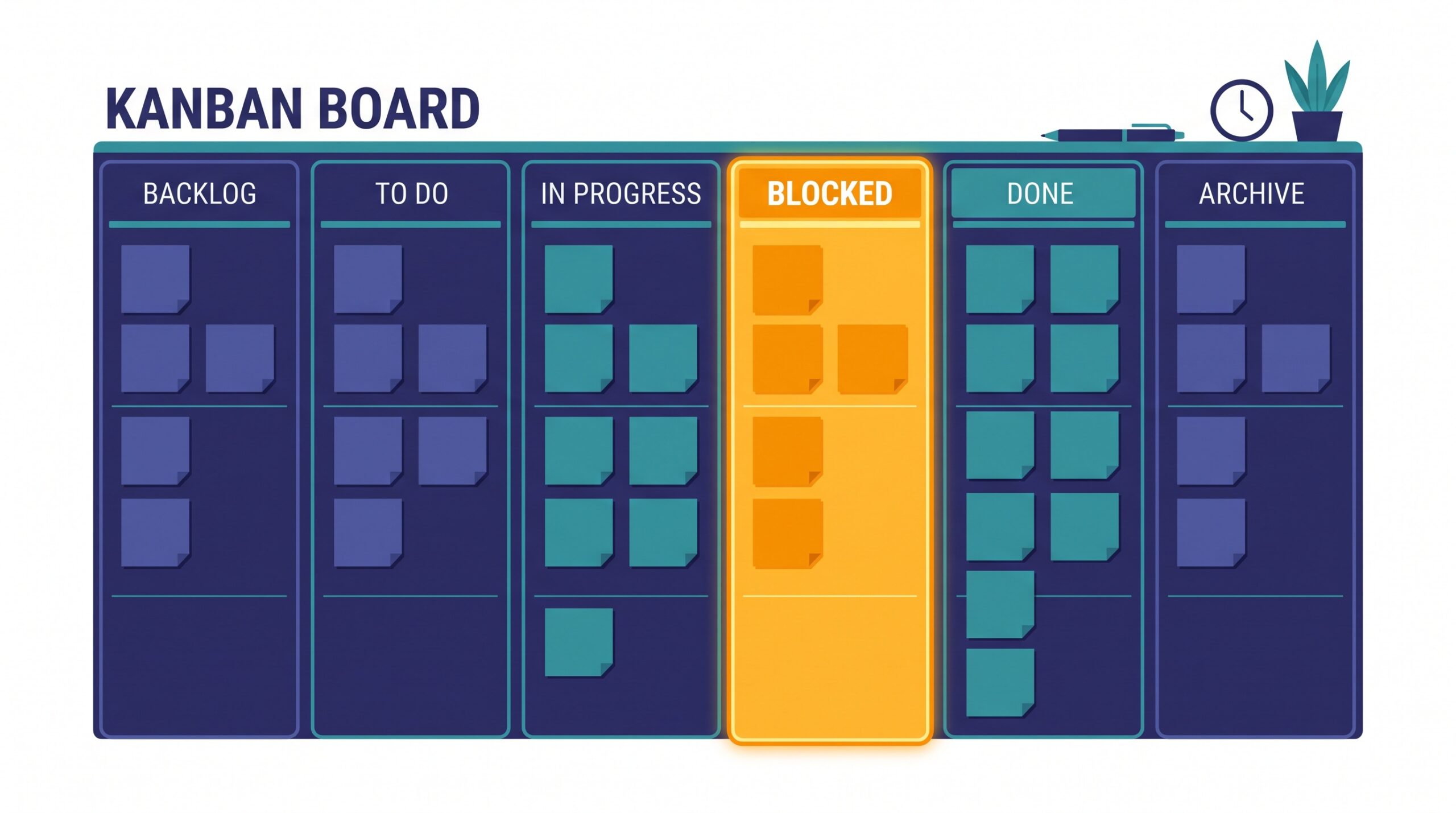
What a Blocked Column Actually Is
A blocked column is a dedicated lane on your board — separate from “In Progress” — where any card that can’t move forward goes to wait. That’s the whole idea. When a task hits a wall, you don’t leave it sitting in progress pretending to be active. You slide it into Blocked, and instantly it stops masquerading as work that’s getting done.
The magic is in the visibility. A card in your In Progress column tells a comforting lie: this is being handled. The same card in a Blocked column tells the truth: this is going nowhere until something changes. That honest signal is what lets a team react before a stalled task turns into a missed deadline.
Why “I’ll Come Back to It” Fails
The instinct to just work around a blocked task feels productive. You’re not idle; you’re picking up the next thing. But every worked-around card is a small debt, and those debts compound quietly.
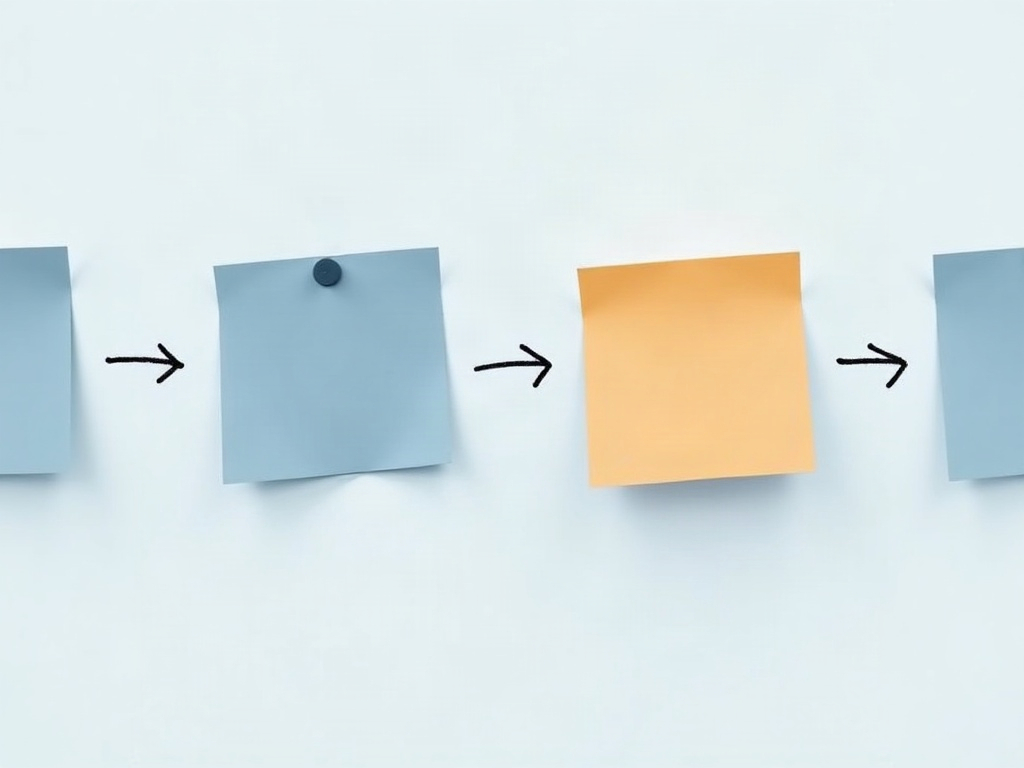
Three things go wrong when blocks stay invisible. First, they get forgotten — the person who hit the wall remembers for a day or two, then it slips. Second, nobody else can help, because nobody else knows the task is stuck; the one piece of information that could unblock it lives in a single person’s head. Third, and worst, the block is often on the critical path — the thing everyone downstream is waiting for — and by the time it resurfaces, three other tasks have piled up behind it. A blocked column attacks all three at once by making the stall public the moment it happens.
Flag It, and Say Why
Moving a card to Blocked is half the job. The other half is recording why it’s blocked and what would unblock it. A card that just says “blocked” is barely better than one hiding in progress — you still have to interrogate someone to find out what’s going on.

Get in the habit of tagging every blocked card with a short, specific note: “Waiting on client to approve mockup,” “Needs API key from IT,” “Blocked until invoice is paid.” Two things follow from that small discipline. It names the person or dependency responsible, so the block has an owner instead of floating in limbo. And it turns an anonymous problem into an actionable one that anyone on the team can pick up and chase — because the next step is written right there on the card.
Make It the First Thing You Look At
A blocked column only works if someone actually looks at it. The easiest way to guarantee that is to make it the opening item of your daily check-in. Before anyone talks about what they’re working on next, the team looks at Blocked and asks one question of each card: what will it take to move this today, and who can make that happen?

This flips the usual dynamic. Instead of blocks being something an individual quietly struggles with alone, they become a shared team problem to solve out loud. Often the fix is trivial once it’s visible — someone else has the password, knows the right contact, or can send the reminder. The block that would have cost a week in silence gets cleared in ninety seconds because it finally had an audience.
The Goal Is an Empty Column
Here’s the counterintuitive part: a healthy blocked column is usually empty. Cards should land there and leave fast. If your Blocked column is steadily filling up, that’s not a labeling problem — it’s a signal that the same kinds of dependencies keep tripping you up, and it’s worth asking why. Are approvals always slow? Is one vendor a recurring choke point? Do client handoffs keep stalling at the same step?
That’s the quiet bonus of a blocked column. In the short term it rescues individual tasks from disappearing. Over time, it becomes a running record of exactly where your workflow keeps breaking — the raw material for fixing the process itself, not just the symptom.
Start Tomorrow
You don’t need new software or a big process change to try this. Add one column to your board and call it Blocked. Agree on one rule: the moment a task can’t move, it goes there with a note saying why. Then glance at it first thing each day. That’s it.
The payoff is that stuck work stops being a private worry and starts being a visible, solvable thing the whole team can rally around. And if you’re building your board in a simple kanban tool, a dedicated blocked column is one of the easiest columns to add and the one you’ll be most glad you did.